
Case Study
TeamVision
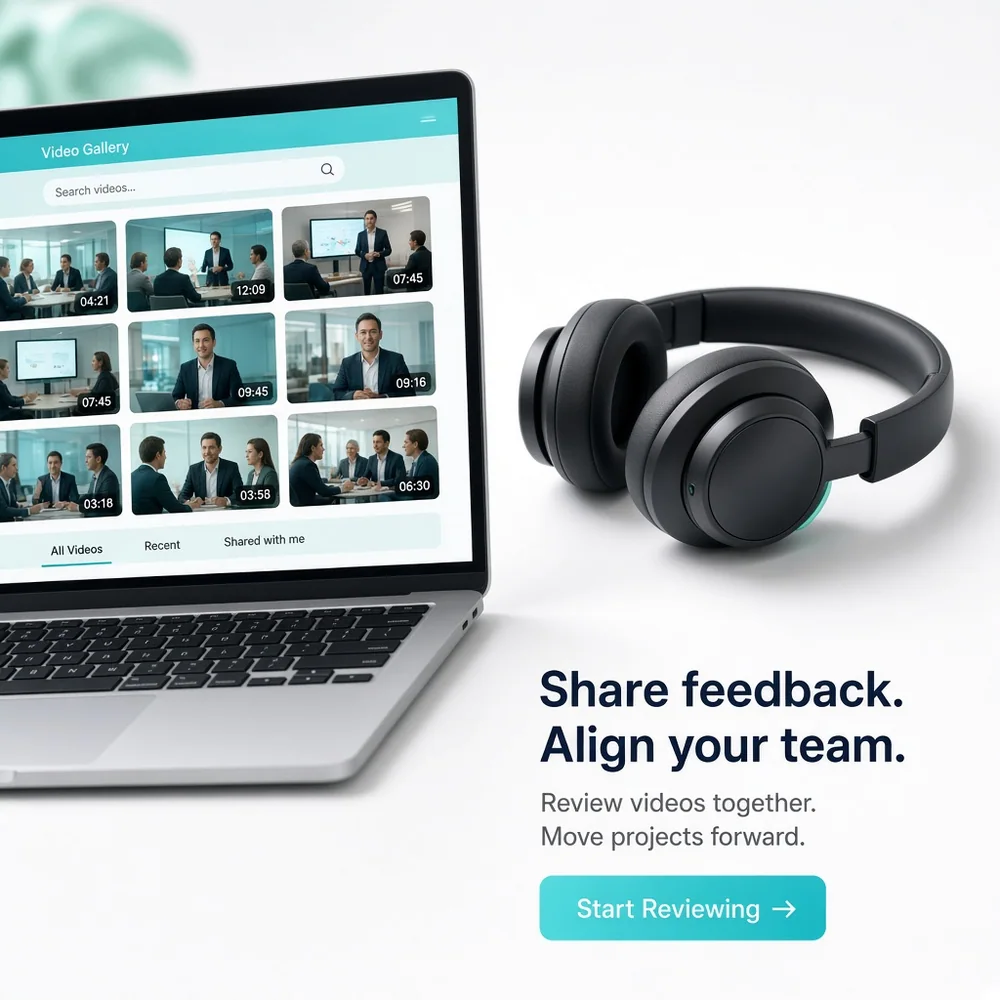
TeamVision is a video conferencing platform built to simplify virtual meetings, team communication, screen sharing, collaboration, and meeting management.
- 7 MonthsDelivery Timeline
- 9 SpecialistsProject Team
- 6 IntegrationsConnected Interfaces
Project Overview
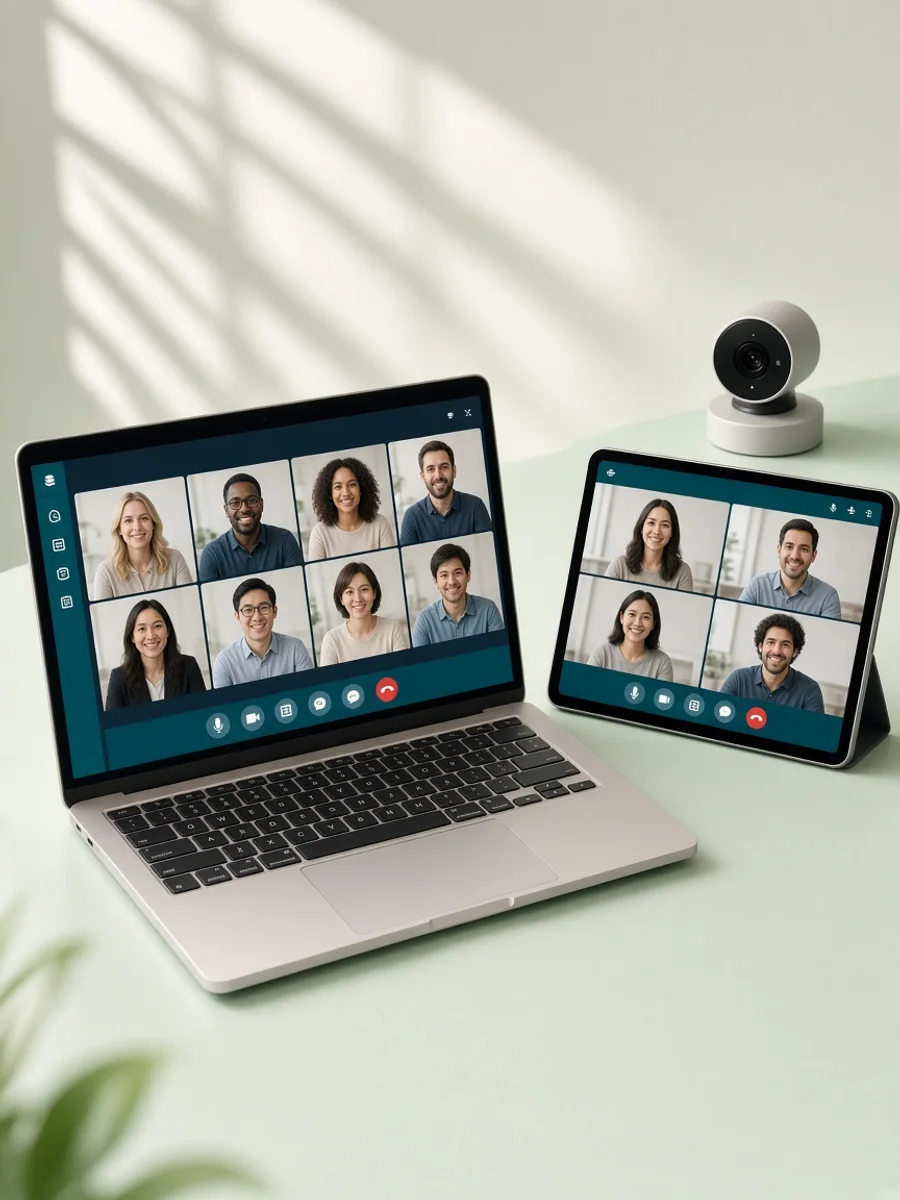
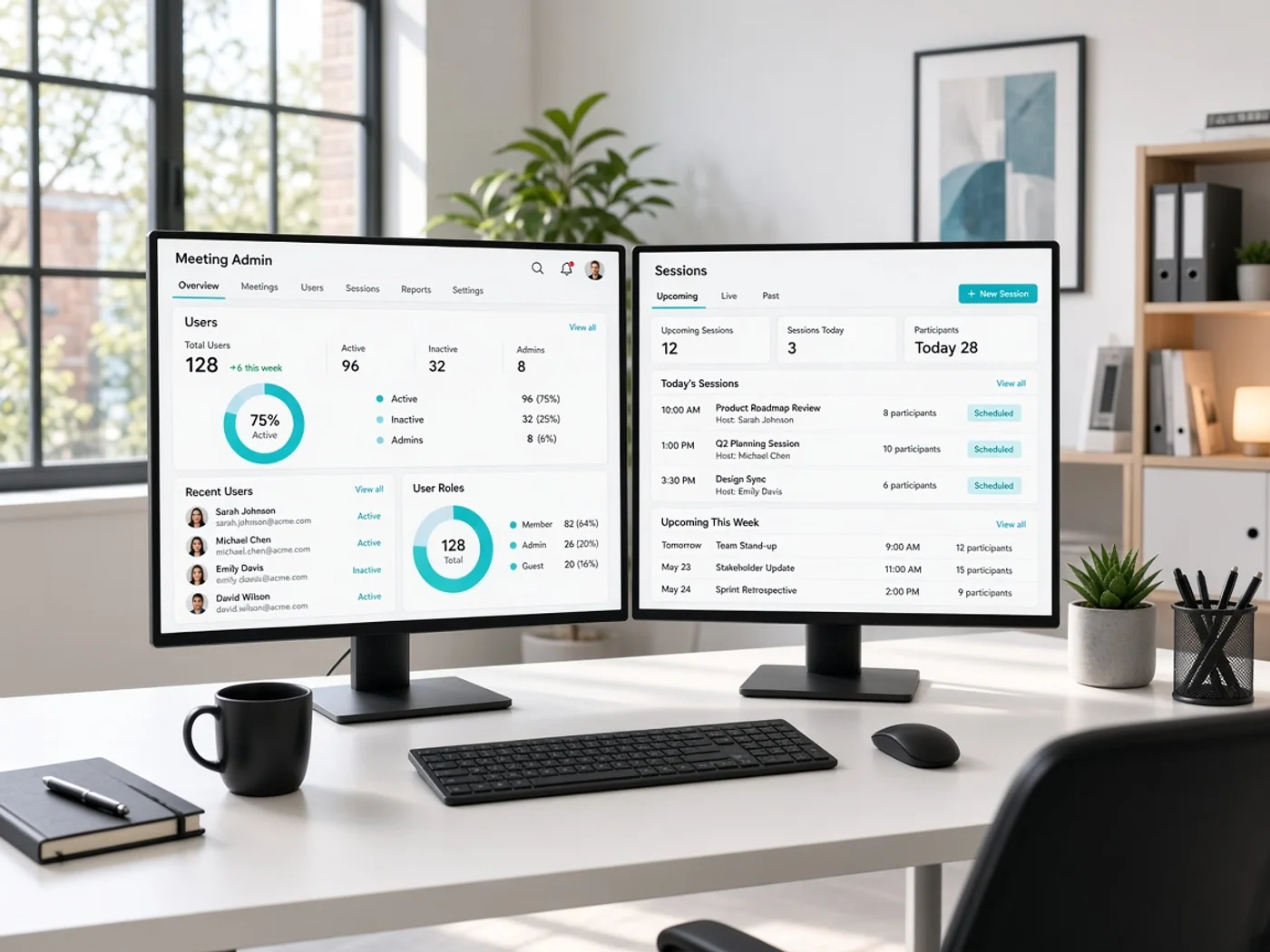
TeamVision is a video conferencing platform designed to help teams conduct virtual meetings and collaborate through one connected digital workspace. Users can create profiles, schedule meetings, join video calls, share screens, use meeting controls, and review session information through dedicated interfaces. Meeting hosts can manage participants, permissions, invitations, and session settings. Administrators can oversee users, meetings, platform activity, and account information through operational tools. The product was built to support reliable communication across distributed teams while keeping meeting workflows straightforward. Abhineh Infotech supported product planning, UI UX design, application development, backend services, integrations, testing, and deployment.
Project Idea
TeamVision was designed to bring meetings, video communication, collaboration controls, and session management together in one focused virtual communication platform.
Virtual meetings involve several connected activities, including scheduling, participant invitations, joining sessions, audio and video controls, screen sharing, and meeting management. TeamVision needed to bring these activities together without overwhelming users or creating unnecessary steps during live communication.
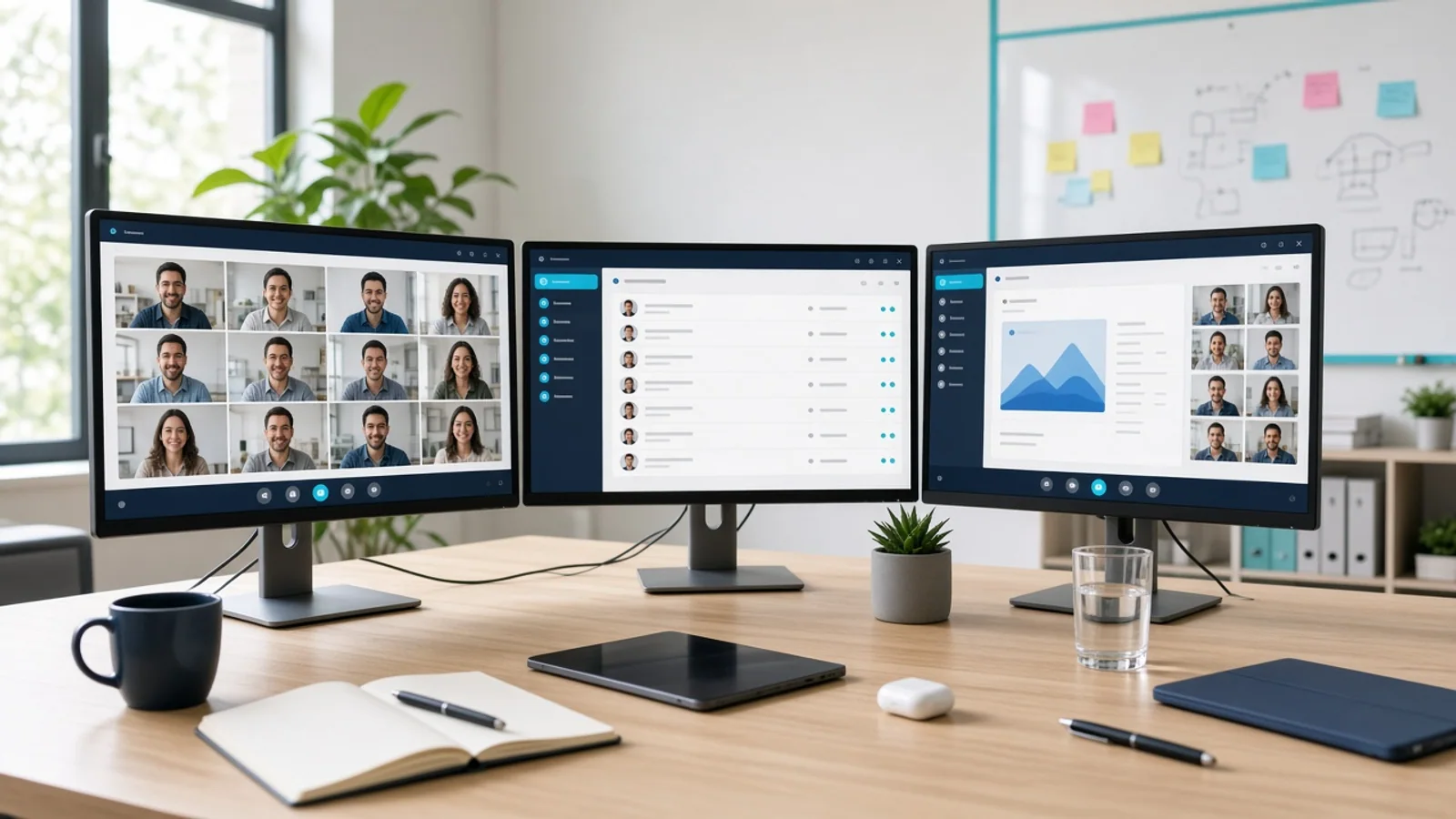
Abhineh Infotech connected meeting scheduling, participant management, video sessions, screen sharing, meeting controls, notifications, and administrative workflows through a unified architecture. The approach helped meeting information move consistently across interfaces while supporting communication between participants and providing hosts with appropriate session controls.
The product principle focused on clarity, speed, and confidence. Participants needed quick access to essential meeting controls, while hosts required clear visibility over attendees and session settings. Simple layouts and consistent interaction patterns helped users join meetings, communicate, and manage sessions with less friction.

Challenges
TeamVision supported participants, meeting hosts, and administrators with different responsibilities and permissions. Participants needed simple access to meetings and communication controls, hosts required participant and session management tools, while administrators needed broader visibility into users and platform activity.
Video conferencing generates varied information across accounts, meetings, participants, invitations, session states, permissions, and activity records. The platform needed structured data handling to keep meeting information consistent across scheduling, joining, management, and administrative workflows.
Live video communication can create significant infrastructure demands when many participants join concurrent meetings. TeamVision required efficient services, real time communication, scalable infrastructure, and responsive interfaces to support meeting activity while maintaining a consistent experience across connected users.
Project Milestones We Achieved
| Milestone | Tasks | Timeline | Responsible |
|---|---|---|---|
| Discovery and Planning | Mapped participant, host, and administrator journeys, meeting requirements, communication workflows, integrations, and technical architecture. | Month 1 | Product and Engineering Team |
| UI/UX Design | Designed meeting scheduling, joining, video controls, participant views, screen sharing, host tools, and administrative interfaces. | Month 2 | UI UX Design Team |
| Core Development | Built authentication, profiles, meetings, participant management, session controls, notifications, APIs, and dashboard foundations. | Month 3 to 4 | Application Development Team |
| Integrations and Testing | Connected communication, notification, and identity services while validating meeting workflows, real time behaviour, and platform performance. | Month 5 to 6 | Integration and QA Team |
| Launch and Optimization | Prepared production infrastructure, completed final validation, monitored meeting activity, resolved issues, and refined communication workflows. | Month 7 | Engineering and Delivery Team |
Project Features
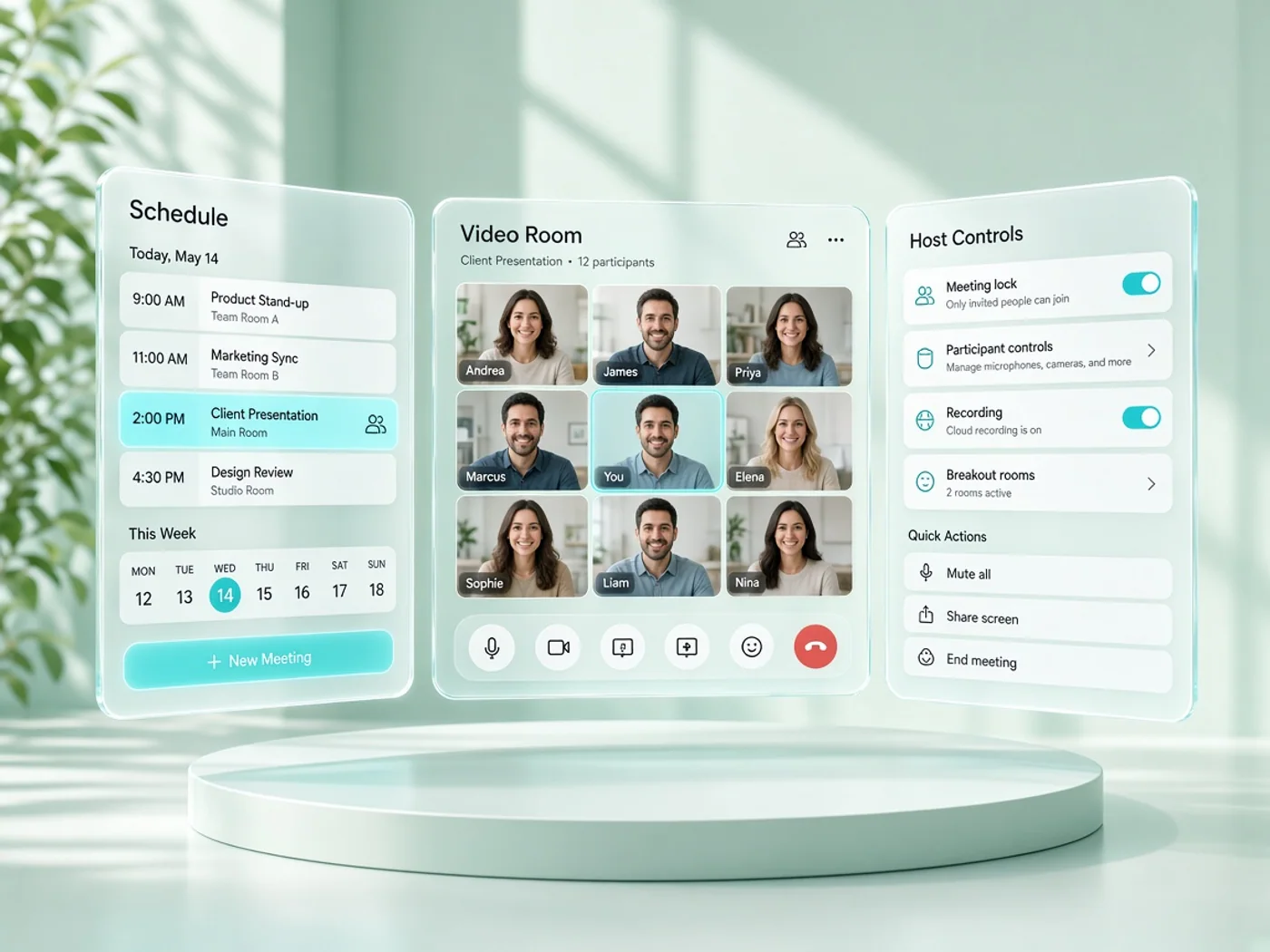
TeamVision combines meeting scheduling, video communication, participant management, screen sharing, session controls, and administration in one structured collaboration platform.
Signup and Profile
Users can create accounts, manage profiles, and maintain personal information required for meetings and collaboration.
Meeting Scheduling
Hosts can create meetings, set schedules, invite participants, and manage meeting information through dedicated scheduling tools.
Video Meetings
Participants can join virtual sessions with accessible audio, video, participant, and meeting controls throughout each call.
Screen Sharing
Users can share screens during meetings to support presentations, demonstrations, discussions, and collaborative working sessions.
Participant Controls
Meeting hosts can manage participants, permissions, session settings, and relevant controls during active virtual meetings.
Operations Dashboard
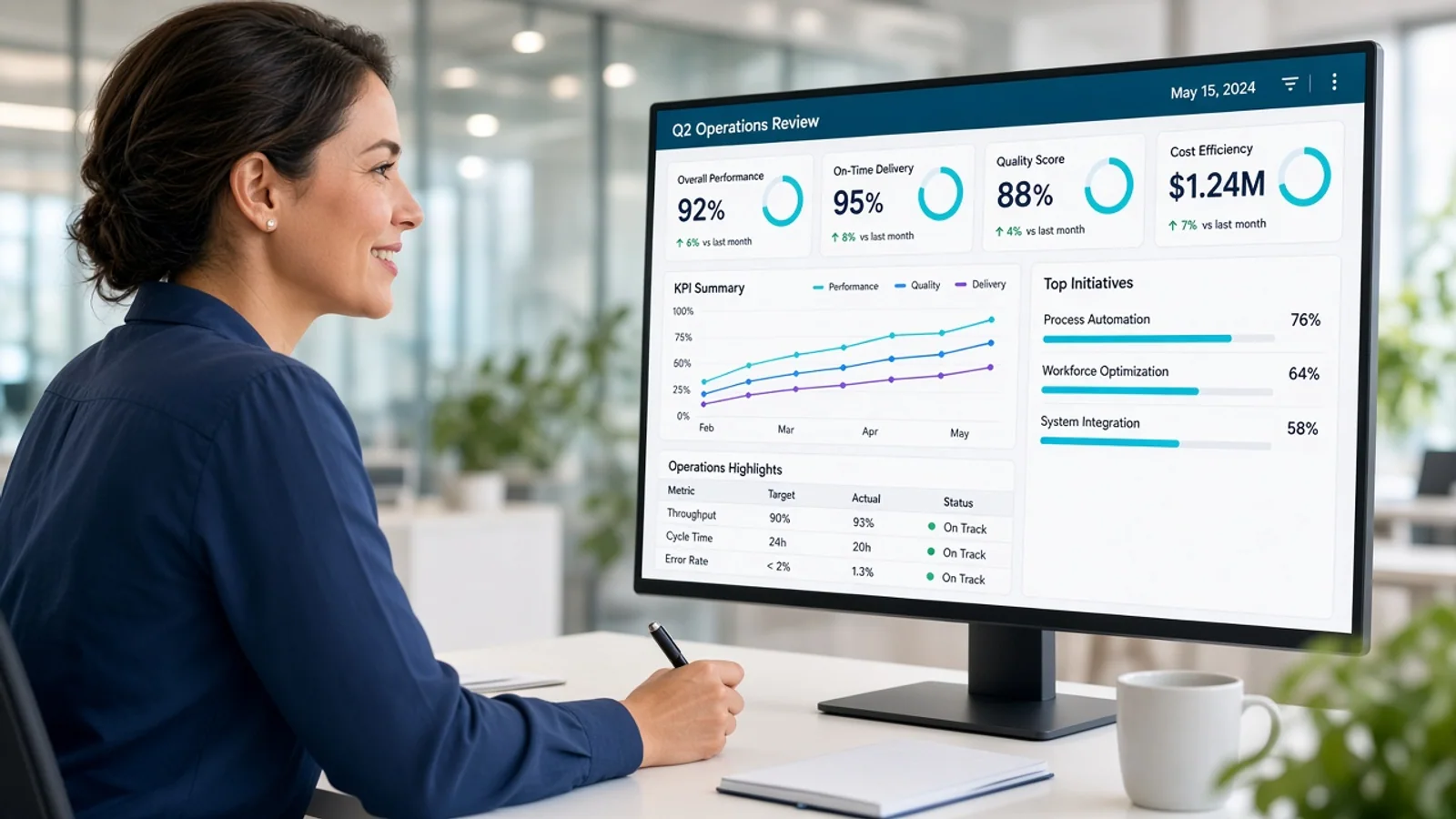
Administrators gain central visibility into users, meetings, accounts, and platform activity through structured management tools.
Results
TeamVision launched as a connected video conferencing platform covering user accounts, meeting scheduling, virtual sessions, participant management, screen sharing, meeting controls, and administration. The delivered product brought essential communication workflows into one structured environment.
Centralised management tools gave administrators clearer visibility into users, meetings, accounts, and platform activity. Structured operational workflows helped teams monitor platform usage and manage routine administrative tasks without relying on disconnected processes.
Participants gained a more organised meeting journey from scheduling and invitations through joining and active communication. Clear controls for audio, video, participants, and screen sharing helped users navigate virtual sessions with fewer unnecessary steps.
The platform established a foundation for continued communication and collaboration development. Its architecture can support additional meeting capabilities, recording, collaboration tools, messaging, integrations, user controls, and administrative features as TeamVision evolves.
Development Process
Explore
- Meeting Research
- Journey Mapping
- Requirement Analysis
- Meeting Wireframes
- UI UX Design
- Flow Validation
Implement
- Web Development
- Backend Development
- API Development
- Video Services
- Identity Services
- Notification Services
Execute
- Call Testing
- Load Testing
- Security Review
- Production Setup
- Session Monitoring
- Experience Optimization
Typography & colors
Plus Jakarta Sans
ABCDEFGHIJKLMNOPQRSTUVWXYZ
abcdefghijklmnopqrstuvwxyz
1234567890
Primary
#0E7490
Secondary
#67E8F9
Tertiary Color
#CFFAFE
Icons Color
#64748B
Text Color
#0F172A
Background Color
#FFFFFF
App Visuals
TeamVision
4 active
Team calls
Workspace
Controls
Host tools
Host
Admit guests
2 waiting
AdmitAlerts
Call notices
Almost there
Create profile
Tech Stack
Angular supported the TeamVision web application with structured components and responsive meeting interfaces. Elixir with Phoenix powered real time backend services and communication workflows. PostgreSQL managed users, meetings, and session records, while WebRTC enabled browser based audio and video communication. DigitalOcean provided cloud infrastructure, deployment, monitoring, and scalable application hosting.
- Angular
- Elixir Phoenix
- PostgreSQL
- WebRTC
- DigitalOcean
Build A Reliable Video Conferencing Platform
Talk with Abhineh Infotech about building connected meeting, video, collaboration, participant, and administration experiences for modern teams.
Talk to Our Experts