

Case Study
SkillRoom
SkillRoom is a virtual classroom platform that connects educators and learners through live classes, course content, assignments, communication, and learning management tools.
- 6 MonthsDelivery Timeline
- 8 SpecialistsProject Team
- 5 IntegrationsConnected Interfaces
Project Overview
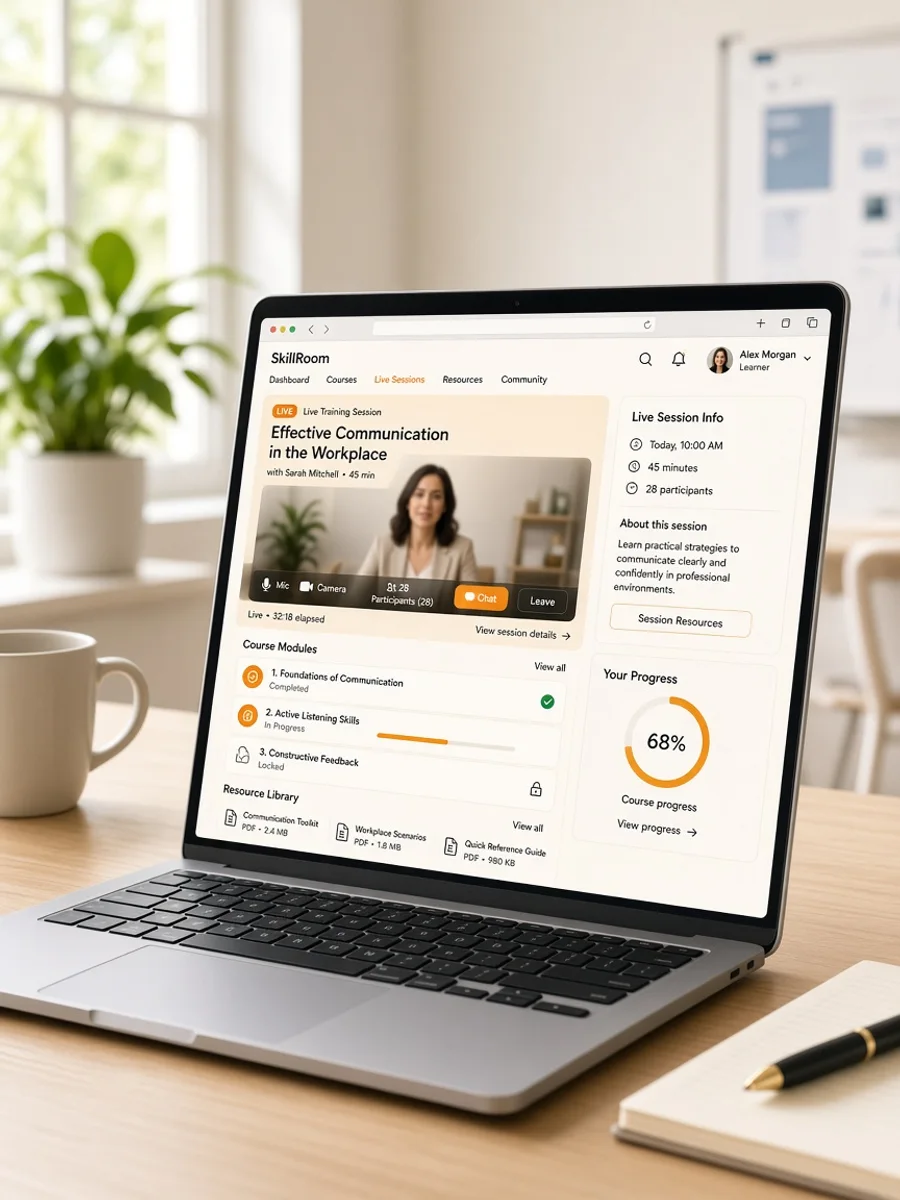
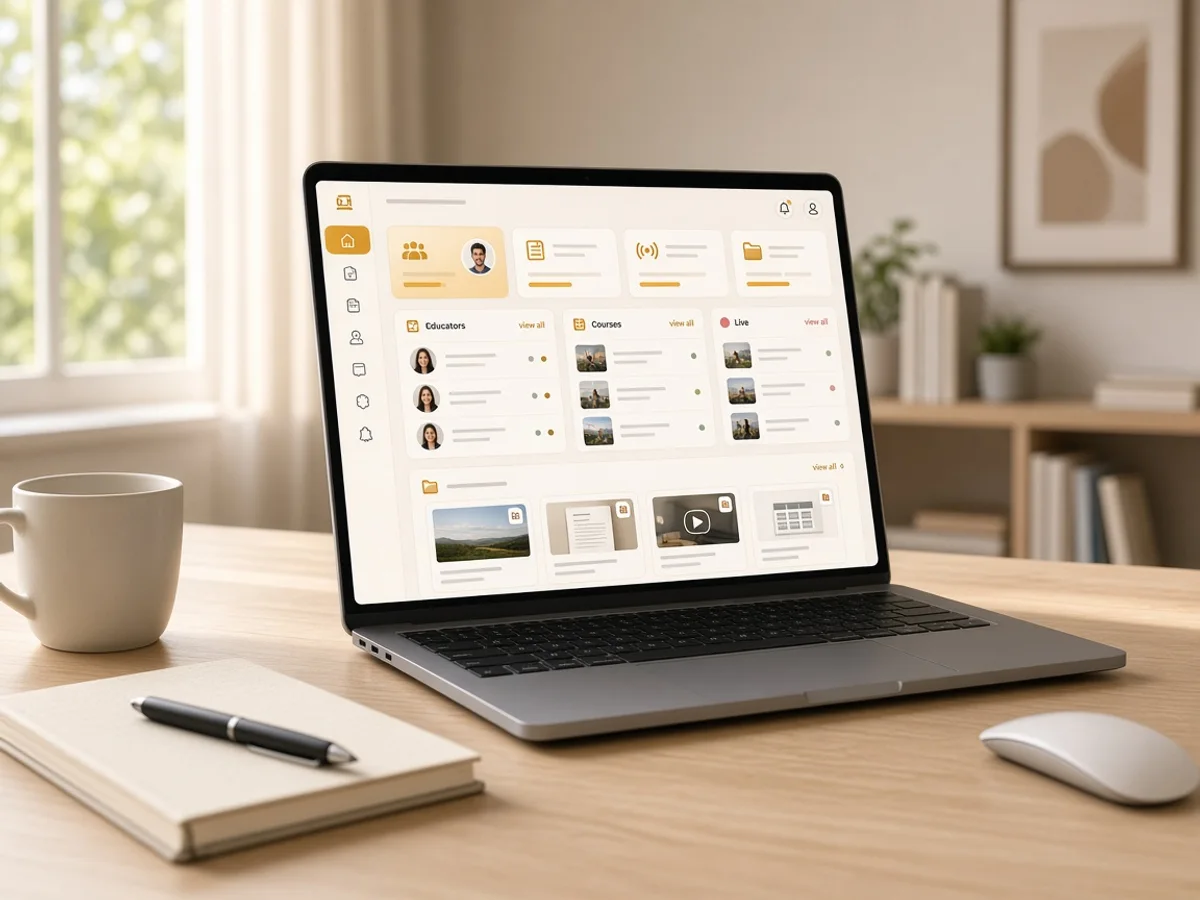
SkillRoom is a virtual classroom platform designed to bring live teaching and digital learning into one connected environment. Learners can create profiles, join scheduled classes, access course materials, submit assignments, participate in discussions, and review their learning activity. Educators can create courses, schedule sessions, share resources, manage assignments, and monitor learner participation. Administrators can oversee users, courses, classes, and platform activity through dedicated management tools. The product was built to simplify remote learning workflows while giving educators practical controls for daily teaching. Abhineh Infotech supported product planning, UI UX design, application development, integrations, testing, and deployment.
Project Idea
SkillRoom was designed to create a structured virtual learning environment where educators and learners could manage classes, content, assignments, and communication from one platform.
Online learning often spreads teaching activities across separate video tools, content platforms, messaging channels, and assignment systems. SkillRoom needed to bring these activities together so learners could access everything related to their classes while educators could manage teaching workflows without switching between multiple systems.
Abhineh Infotech connected course management, live classes, learning resources, assignments, learner activity, communication, and administrative workflows through a unified architecture. This created consistent information flow between educator and learner interfaces while keeping classroom activities organised around courses, sessions, and individual learning journeys.
The product principle focused on clarity, speed, and confidence. Learners needed simple access to classes, resources, assignments, and updates. Educators needed efficient tools for managing sessions and content. Clear navigation and consistent interface patterns helped both groups understand available actions and learning progress.
Challenges
SkillRoom supported learners, educators, and administrators with different responsibilities and access requirements. Learners needed focused classroom and course experiences, educators required broader teaching controls, and administrators needed visibility across users, courses, sessions, and platform activity.
Virtual classrooms generate varied information across courses, schedules, learning resources, assignments, submissions, attendance, messages, and user profiles. The platform needed structured data handling to keep information consistent across classroom interfaces while supporting frequent updates throughout active learning sessions.
Live classes can create increased platform activity when many learners join sessions simultaneously. SkillRoom required efficient APIs, real time communication, responsive interfaces, and scalable infrastructure to support class participation, content access, assignment workflows, and platform activity during peak learning periods.

Project Milestones We Achieved
| Milestone | Tasks | Timeline | Responsible |
|---|---|---|---|
| Discovery and Planning | Mapped learner, educator, and administrator journeys, classroom requirements, course structures, content workflows, integrations, and technical architecture. | Month 1 | Product and Engineering Team |
| UI/UX Design | Designed course pages, virtual classrooms, learning resources, assignments, educator tools, learner dashboards, and administrative interfaces. | Month 2 | UI UX Design Team |
| Core Development | Built authentication, profiles, courses, classes, resources, assignments, communication, APIs, and learning dashboard foundations. | Month 3 to 4 | Application Development Team |
| Integrations and Testing | Connected video, notification, storage, and communication services while validating classroom workflows and platform performance. | Month 5 | Integration and QA Team |
| Launch and Optimization | Prepared production infrastructure, completed final validation, monitored classroom activity, resolved issues, and refined learning workflows. | Month 6 | Engineering and Delivery Team |
Project Features
SkillRoom brings virtual classes, course management, learning resources, assignments, communication, and administration into one structured digital learning platform.
Learner Profile
Learners can create profiles, manage account information, and access personalised classroom and course experiences.
Virtual Classrooms
Learners can join scheduled live sessions and access classroom information through focused interfaces designed for online participation.
Course Management
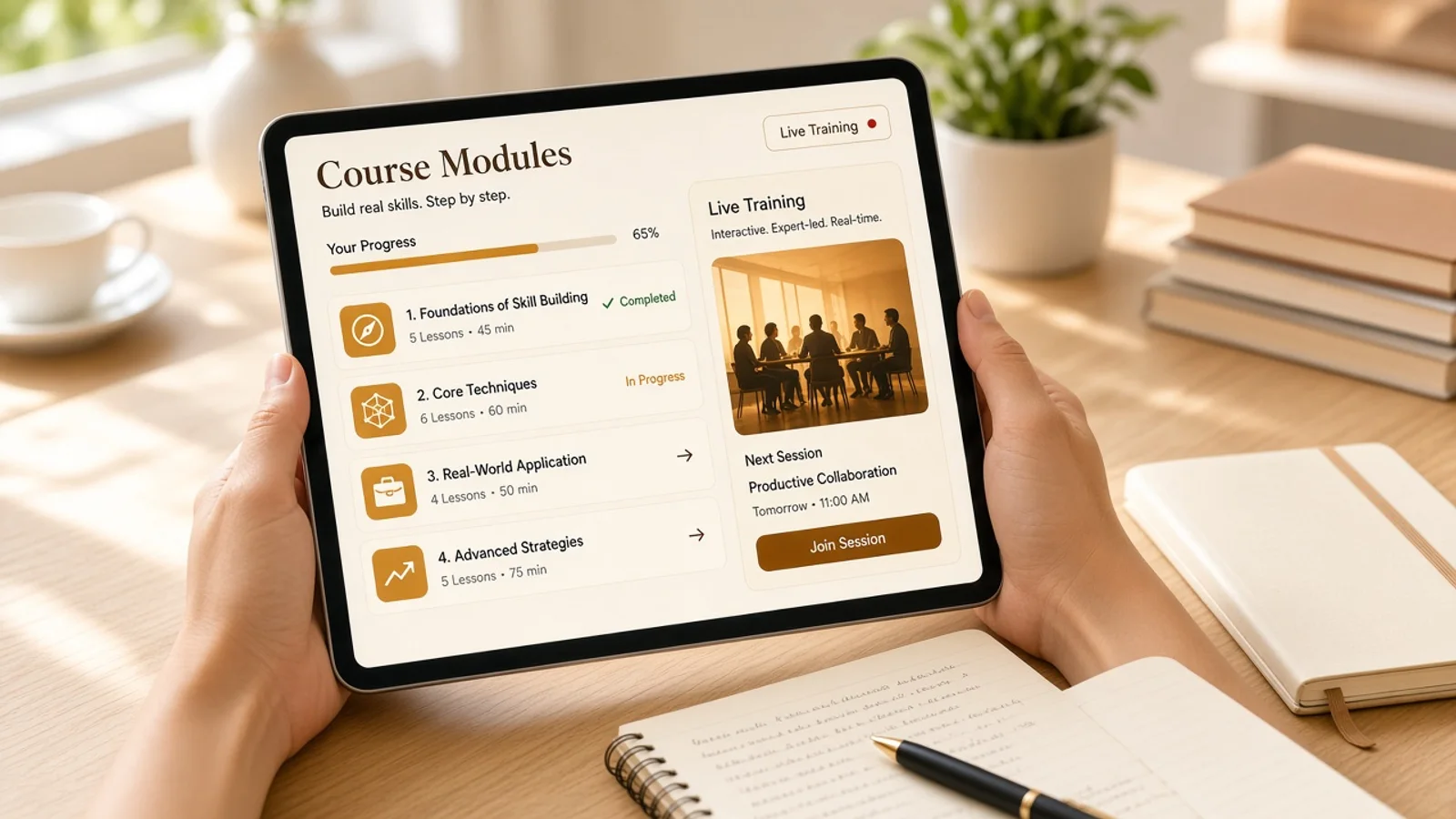
Educators can create courses, organise lessons, schedule classes, and manage learning materials from dedicated teaching tools.
Assignments and Submissions
Educators can create assignments while learners can submit work, review requirements, and track relevant activity.
Learning Resources
Course materials and supporting resources can be organised for learners to access alongside scheduled classes and lessons.
Admin Dashboard
Administrators gain central visibility into learners, educators, courses, classes, assignments, and platform activity through management tools.
Results
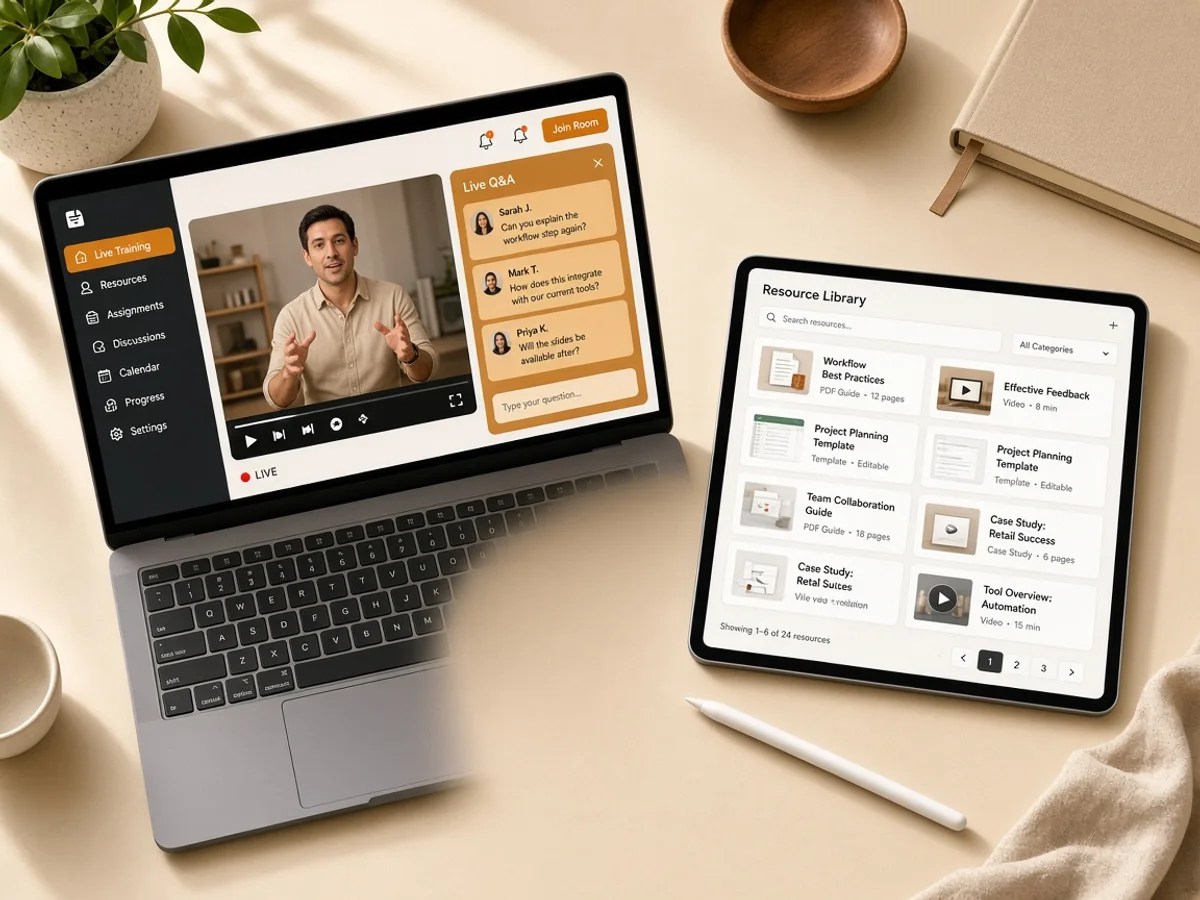
SkillRoom launched as a connected virtual classroom platform covering learner profiles, live classes, courses, resources, assignments, communication, and administration. The delivered product brought key teaching and learning workflows into one structured digital environment.
Educators gained central tools for managing courses, schedules, learning materials, assignments, and learner activity. This helped create more consistent teaching workflows and reduced the need to coordinate classroom information across separate systems.
Learners gained a more organised experience for joining classes, accessing course resources, completing assignments, and reviewing learning activity. Clear navigation helped connect classroom sessions with the supporting content and tasks required throughout each course.
The platform established a foundation for continued EdTech development. Its architecture can support additional classroom formats, assessment capabilities, learning analytics, collaboration features, course tools, and administrative functions as SkillRoom expands.

Development Process
Explore
- Learning Research
- Journey Mapping
- Requirement Analysis
- Classroom Wireframes
- UI UX Design
- Flow Validation
Implement
- Web Development
- Backend Development
- API Development
- Video Services
- Storage Services
- Notification Services
Execute
- Classroom Testing
- Load Testing
- Security Review
- Production Setup
- Session Monitoring
- Learning Optimization
Typography & colors
Plus Jakarta Sans
ABCDEFGHIJKLMNOPQRSTUVWXYZ
abcdefghijklmnopqrstuvwxyz
1234567890
Primary
#B45309
Secondary
#FCD34D
Tertiary Color
#FEF3C7
Icons Color
#64748B
Text Color
#0F172A
Background Color
#FFFFFF
App Visuals
SkillRoom
5 courses
Skills
Active training
Resources
Library
Assign
Create task
Due Friday
PublishAlerts
Training
Almost there
Create profile
Tech Stack
Angular supported structured web interfaces for learners, educators, and administrators. Laravel powered backend services for courses, classes, assignments, accounts, and platform workflows. MariaDB managed structured learning data, WebRTC supported real time classroom communication, and DigitalOcean provided cloud infrastructure, deployment, monitoring, and scalable application hosting.
- Angular
- Laravel
- MariaDB
- WebRTC
- DigitalOcean
Build A Connected Virtual Classroom Platform
Talk with Abhineh Infotech about building virtual learning experiences that connect classes, courses, content, assignments, communication, and administration.
Talk to Our Experts