

Case Study
LearnNest
LearnNest is a kids learning platform designed to make digital education more engaging through lessons, activities, progress tracking, and parent visibility.
- 6 MonthsDelivery Timeline
- 8 SpecialistsProject Team
- 5 IntegrationsConnected Interfaces
Project Overview
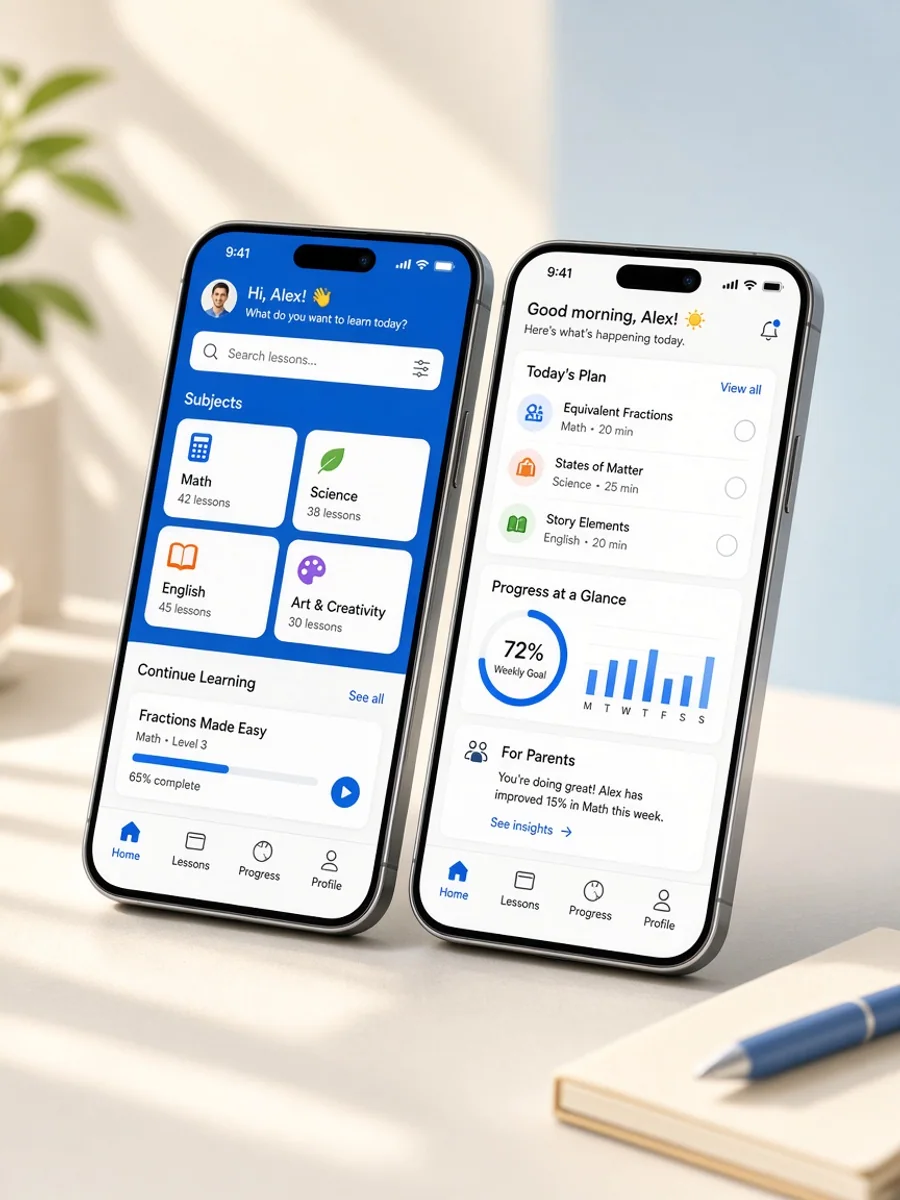
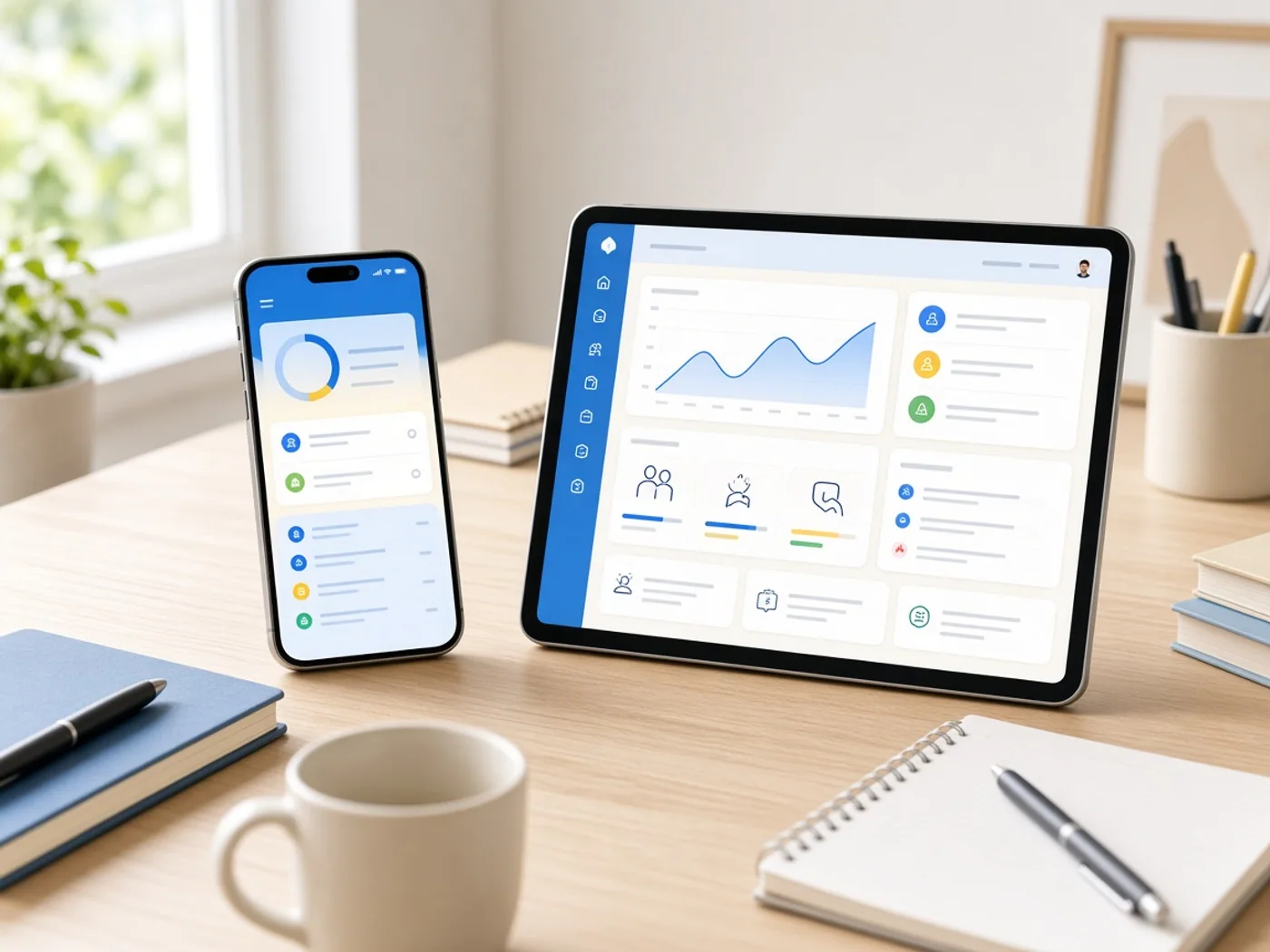
LearnNest is a kids learning platform created to give children an engaging digital environment for age appropriate lessons, educational activities, and progress tracking. Children can access learning content, complete activities, explore subjects, and review their progress through a simple interface. Parents can manage profiles, monitor learning activity, and review progress through dedicated account tools. Educators and administrators can manage lessons, content, learners, and platform activity through structured dashboards. The product was built to connect learning and monitoring workflows in one platform. Abhineh Infotech supported product planning, UI UX design, development, integrations, testing, and deployment.
Project Idea
LearnNest was designed to create a simple digital learning environment where children could explore lessons while parents and educators gained clear progress visibility.
Children need learning interfaces that are simple to understand, visually organised, and easy to navigate independently. Parents and educators also need meaningful visibility into learning activity and progress. LearnNest needed to balance these different requirements without making the experience complicated for young learners.
Abhineh Infotech connected child profiles, lessons, activities, progress tracking, parent accounts, educator tools, notifications, and administrative workflows through one platform architecture. This created consistent information flow between learning and monitoring experiences while giving each user type access to features relevant to their responsibilities.
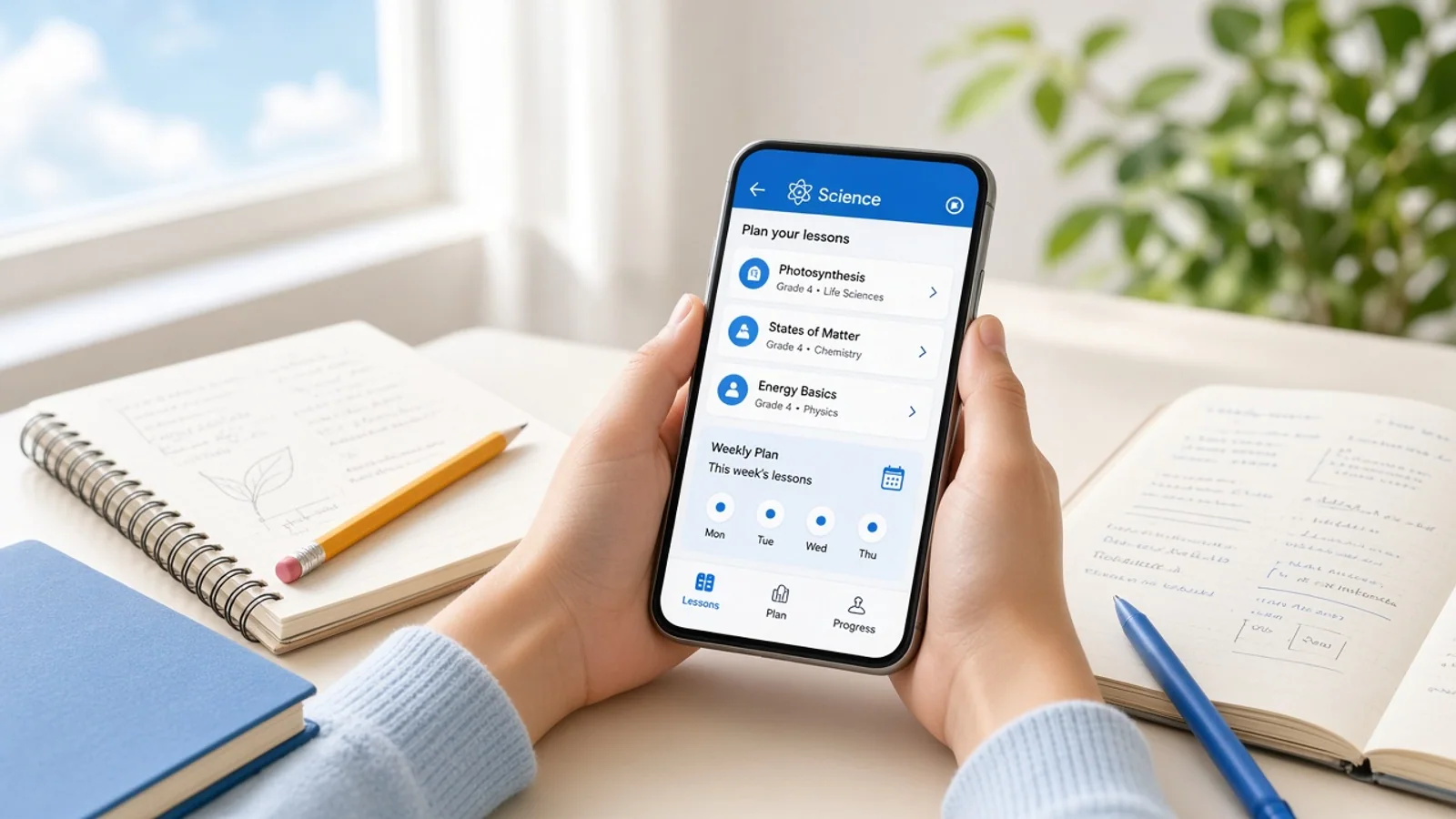
The product principle focused on clarity, speed, and confidence. Learning screens were structured around simple navigation and focused activities, while parent and educator views prioritised progress information. Consistent layouts helped children engage with lessons while adults could understand learning activity without unnecessary complexity.
Challenges
LearnNest supported children, parents, educators, and administrators with different needs and access requirements. Children needed a simple learning experience, parents needed progress visibility, and educators required tools for content and learner management without overlapping unnecessary functionality.
Educational content can vary across subjects, lessons, activities, assessments, learner profiles, and progress records. The platform needed structured content management and data handling to keep learning information consistent across child interfaces, parent views, educator tools, and administrative workflows.
Learning platforms can experience increased activity during school hours, assignments, and scheduled learning sessions. LearnNest required responsive interfaces, efficient backend services, caching, and scalable infrastructure to support lesson access, activity submissions, progress updates, and content delivery during busy periods.

Project Milestones We Achieved
| Milestone | Tasks | Timeline | Responsible |
|---|---|---|---|
| Discovery and Planning | Mapped child, parent, educator, and administrator journeys, learning requirements, content structures, progress needs, integrations, and architecture. | Month 1 | Product and Engineering Team |
| UI/UX Design | Designed child learning screens, lesson views, activities, parent dashboards, educator tools, profiles, and administrative interfaces. | Month 2 | UI UX Design Team |
| Core Development | Built authentication, learner profiles, lessons, activities, progress tracking, content services, APIs, and dashboard foundations. | Month 3 to 4 | Application Development Team |
| Integrations and Testing | Connected content, notification, analytics, and authentication services while validating learning workflows, data handling, and platform performance. | Month 5 | Integration and QA Team |
| Launch and Optimization | Prepared production infrastructure, completed final validation, monitored learning activity, resolved issues, and refined core educational journeys. | Month 6 | Engineering and Delivery Team |
Project Features
LearnNest brings lessons, educational activities, learner profiles, progress tracking, parent visibility, and content management together in one structured learning platform.
Child Profile
Children can access personalised learning profiles with age appropriate content, activity history, and relevant learning information.
Interactive Lessons
Children can explore structured lessons and educational content through simple screens designed for focused digital learning.
Learning Activities
Interactive activities allow children to practise concepts, complete tasks, and engage with learning content through guided experiences.
Progress Tracking
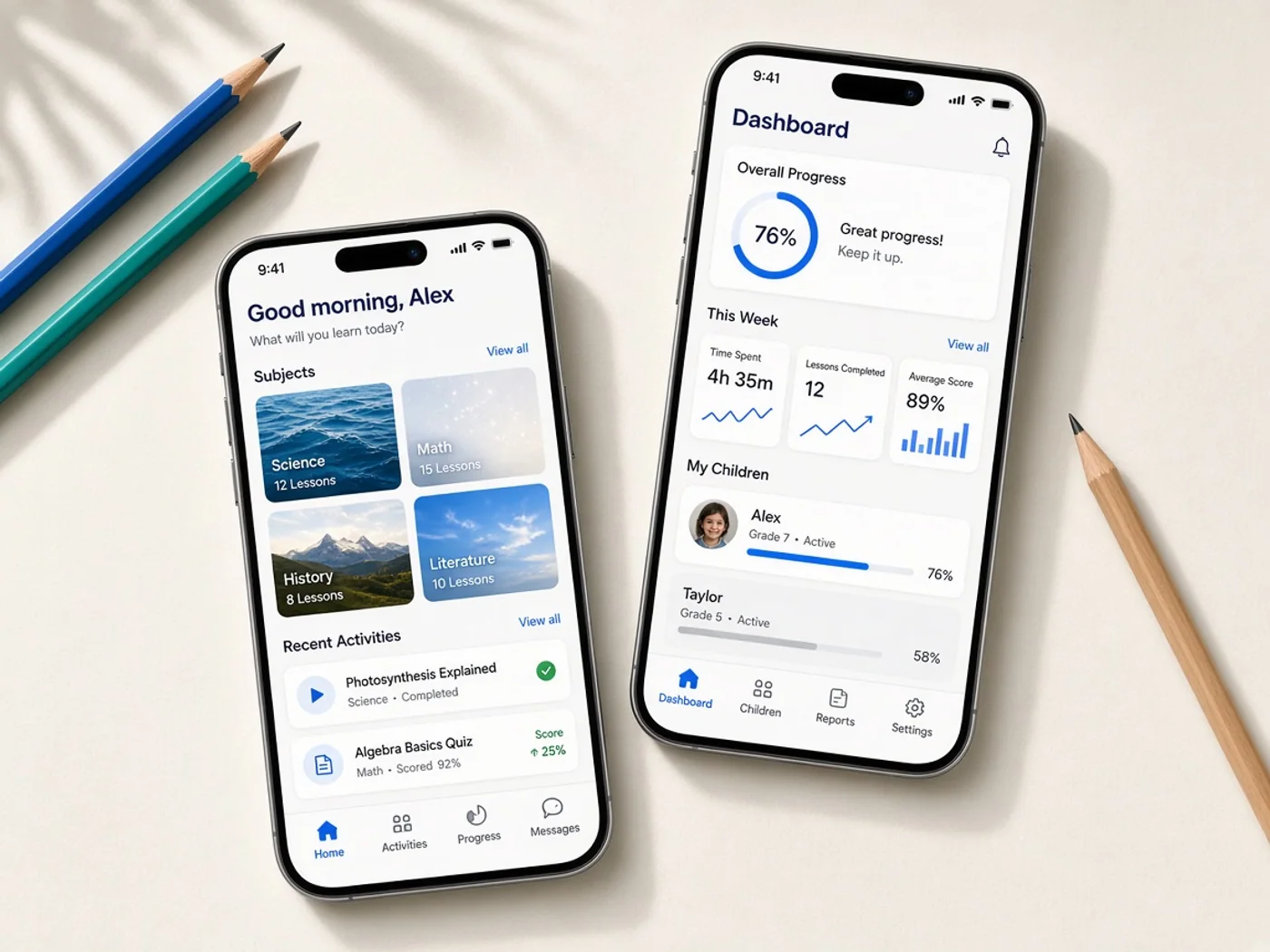
Learning progress is recorded across lessons and activities, giving users and adults clearer visibility into completed learning tasks.
Parent Dashboard
Parents can review learning activity, progress information, completed lessons, and relevant account details through a dedicated dashboard.
Educator Dashboard
Educators and administrators can manage learners, lessons, content, activity, and platform information through central management tools.
Results
LearnNest launched as a connected kids learning platform covering child profiles, lessons, educational activities, progress tracking, parent visibility, educator tools, and administration. The delivered product brought core learning workflows into one structured digital environment.
Centralised management tools gave parents and educators clearer visibility into learning activity and progress. Educator workflows also provided more structured control over lessons and content, helping reduce reliance on disconnected tools for routine learning management.
Children gained a more organised learning journey through simple navigation, focused lessons, and interactive activities. Clear progress information helped create continuity between completed activities and future learning, while parent views provided greater visibility into ongoing engagement.
The platform established a foundation for continued education product development. Its architecture can support additional subjects, learning formats, assessments, personalised content, reporting capabilities, and parent or educator tools as LearnNest expands.

Development Process
Explore
- Learner Research
- Journey Mapping
- Requirement Analysis
- Child Wireframes
- UI UX Design
- Flow Validation
Implement
- App Development
- Backend Development
- API Development
- Content Services
- Analytics Services
- Notification Services
Execute
- Usability Testing
- Functional Testing
- Security Review
- Production Setup
- Activity Monitoring
- Experience Optimization
Typography & colors
Plus Jakarta Sans
ABCDEFGHIJKLMNOPQRSTUVWXYZ
abcdefghijklmnopqrstuvwxyz
1234567890
Primary
#2563EB
Secondary
#93C5FD
Tertiary Color
#DBEAFE
Icons Color
#64748B
Text Color
#0F172A
Background Color
#FFFFFF
App Visuals
LearnNest
5 subjects
Subjects
Your nest
Home
Family view
Assign
New activity
Reading
AssignAlerts
Nest notices
Almost there
Create profile
Tech Stack
Swift supported the native iOS learning application with a responsive experience for children and parents. Laravel powered backend services for users, lessons, activities, and progress. MariaDB managed structured learning data, GraphQL supported flexible data access across interfaces, and DigitalOcean provided cloud infrastructure, deployment, monitoring, and application hosting.
- Swift
- Laravel
- MariaDB
- GraphQL
- DigitalOcean
Build A Better Digital Learning Experience
Talk with Abhineh Infotech about creating engaging learning platforms with lessons, activities, progress tracking, parent tools, and educator workflows.
Talk to Our Experts