

Case Study
Event Ticketing Platform
Event Ticketing Platform helps organisers manage event listings, ticket sales, attendee access, payments, and event operations through one connected digital experience.
- 5 MonthsDelivery Timeline
- 7 SpecialistsProject Team
- 4 Integrated ServicesConnected Interfaces


Project Overview
Event Ticketing Platform is a digital solution designed to simplify how organisers create events and how attendees discover and purchase tickets. Attendees can create accounts, browse events, review schedules, select ticket types, complete payments, and access booking information. Organisers can create events, manage ticket inventory, monitor sales, and review attendee activity through dedicated tools. Operations teams can oversee events, users, transactions, and platform activity from an administrative dashboard. Abhineh Infotech supported the project across product planning, UI UX design, frontend and backend development, payment integration, testing, and deployment to create a structured ticketing experience.
Project Idea
The platform was designed to simplify event discovery and ticket purchasing while giving organisers practical tools to manage events, inventory, attendees, and sales.
Event ticketing can involve multiple steps, from discovering an event and selecting tickets to payment, confirmation, and entry. Organisers also need to manage event details, ticket availability, pricing, and attendee information. The platform needed to connect these workflows while keeping the experience straightforward for both sides.
Abhineh Infotech connected event creation, ticket inventory, attendee accounts, checkout, payments, confirmations, and administrative workflows through one platform architecture. Shared backend services kept event and ticket information consistent across interfaces, allowing organisers to manage sales while attendees received accurate booking and event information.
The product principle focused on clarity, speed, and confidence. Attendees needed clear event information, ticket choices, prices, and booking details. Organisers needed quick access to sales and inventory data. Consistent layouts and focused workflows helped users complete important actions without unnecessary steps.

Challenges
The platform supported attendees, event organisers, and internal administrators with different responsibilities and permissions. Attendees required simple discovery and purchasing journeys, while organisers needed controls for events, ticket inventory, sales, and attendee information.
Event information can vary across dates, venues, schedules, ticket categories, pricing, availability, attendee records, and transaction details. The platform needed structured data handling so updates remained consistent across event pages, checkout, organiser tools, and administrative interfaces.
Ticket demand can increase sharply when popular events open for sales or approach capacity. The platform required efficient APIs, transaction handling, database performance, and scalable infrastructure to maintain responsive event browsing, ticket selection, checkout, and sales workflows during high demand.

Project Milestones We Achieved
| Milestone | Tasks | Timeline | Responsible |
|---|---|---|---|
| Discovery and Planning | Mapped attendee and organiser journeys, event requirements, ticket rules, inventory needs, payment flows, integrations, and technical architecture. | Month 1 | Product and Engineering Team |
| UI/UX Design | Designed event discovery, event details, ticket selection, checkout, organiser tools, attendee views, and administrative interfaces. | Month 2 | UI UX Design Team |
| Core Development | Built authentication, event management, ticket inventory, checkout, payments, attendee services, APIs, and dashboard foundations. | Month 3 | Application Development Team |
| Integrations and Testing | Connected payment and communication services, validated ticket workflows, tested transaction handling, and performed functional and performance testing. | Month 4 | Integration and QA Team |
| Launch and Optimization | Prepared production infrastructure, completed final validation, monitored ticket activity, resolved issues, and refined event and checkout journeys. | Month 5 | Engineering and Delivery Team |
Project Features
Event Ticketing Platform connects event discovery, ticket selection, checkout, payments, attendee management, and organiser controls through one structured event management experience.
Signup and Profile
Attendees and organisers can create accounts, manage profiles, and maintain information required across their respective platform journeys.
Event Discovery
Attendees can browse events, review dates, venues, schedules, descriptions, and ticket information through organised discovery screens.
Ticket Selection
Users can review available ticket categories, pricing, quantities, and event information before proceeding to checkout.
Secure Checkout
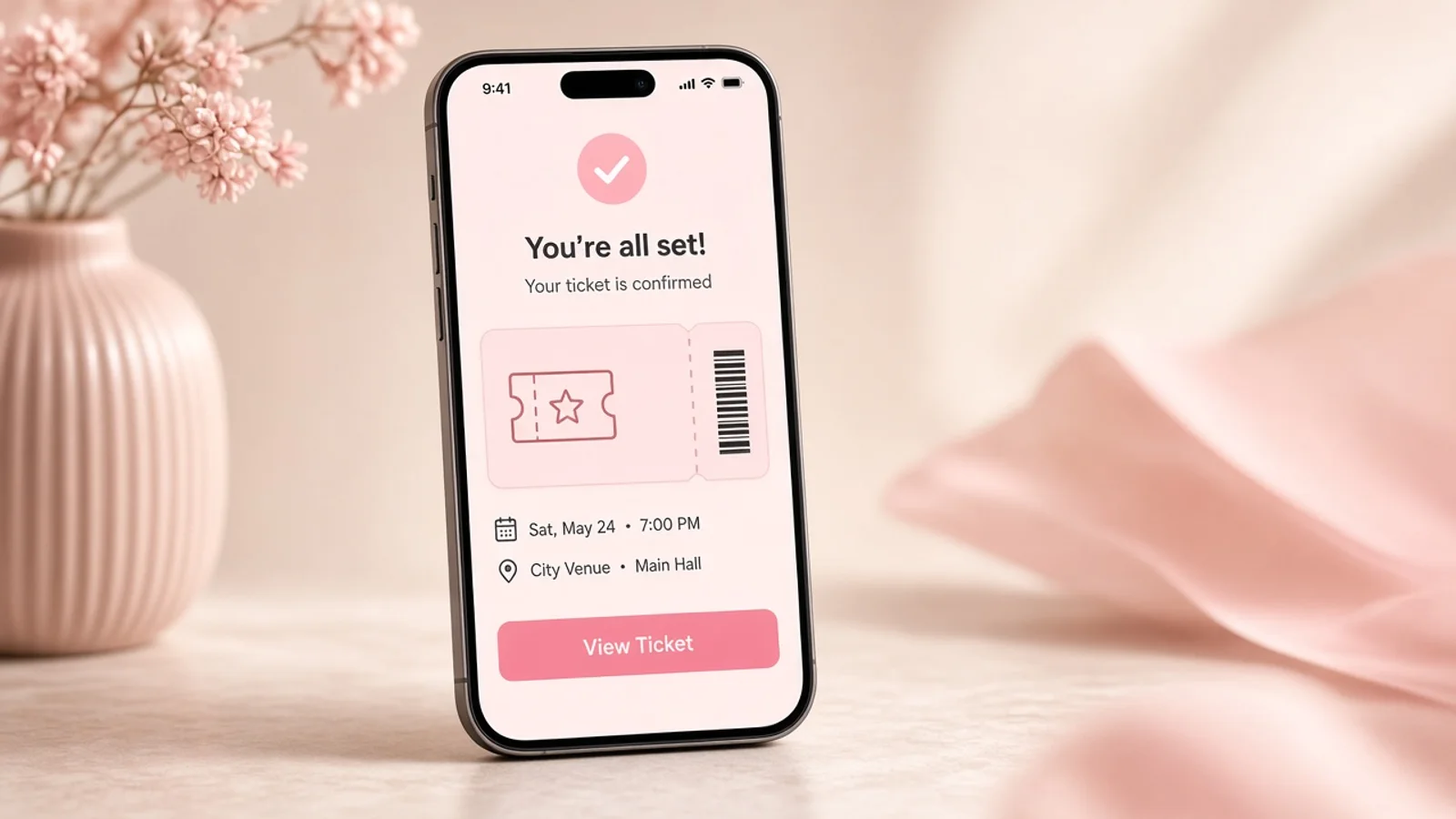
Attendees can enter booking information, complete payment, and receive confirmation through a structured checkout experience.
Event Management
Organisers can create events, update details, manage ticket inventory, monitor sales, and review attendee information.
Operations Dashboard
Internal teams gain central visibility into events, users, ticket activity, transactions, and platform operations through administrative tools.

Results
Event Ticketing Platform launched as a connected solution covering event discovery, ticket selection, checkout, payments, attendee accounts, organiser management, and administration. The delivered product brought the core ticketing journey into one structured digital environment.
Organisers gained clearer control over event information, ticket inventory, sales activity, and attendee records. Centralised management tools created more consistent workflows for reviewing event performance and handling routine ticketing operations.
Attendees gained a more organised journey from event discovery through ticket purchase and confirmation. Clear event information, ticket options, payment steps, and booking details helped users complete purchases with greater visibility at each stage.
The platform established a foundation for continued event management development. Its architecture can support additional ticket categories, event formats, promotional tools, attendee services, reporting capabilities, and organiser features as the platform evolves.
Development Process
Explore
- Event Journey Mapping
- Ticketing Research
- Requirement Analysis
- Wireframe Creation
- UI UX Design
- Flow Validation
Implement
- Mobile Development
- Backend Development
- API Development
- Payment Gateway
- Email Services
- Event Services
Execute
- Functional Testing
- Load Testing
- Security Review
- Production Setup
- Sales Monitoring
- Experience Optimization
Typography & colors
Plus Jakarta Sans
ABCDEFGHIJKLMNOPQRSTUVWXYZ
abcdefghijklmnopqrstuvwxyz
1234567890
Primary
#DB2777
Secondary
#F9A8D4
Tertiary Color
#FCE7F3
Icons Color
#64748B
Text Color
#0F172A
Background Color
#FFFFFF
App Visuals
Ticketing
842 sold
Events
This weekend
Checkout
Your tickets
Ticket
Ready for entry
Show at door
OpenAlerts
Ticket notices
Almost there
Create profile
Tech Stack
Ionic supported the mobile ticketing experience with a flexible application foundation. Laravel powered backend services and business logic for events, tickets, users, and transactions. MySQL managed structured event and booking data, while Firebase Cloud Messaging supported timely ticket and event notifications. Microsoft Azure provided cloud hosting, deployment, monitoring, and application infrastructure.
- Ionic
- Laravel
- MySQL
- Firebase Cloud Messaging
- Microsoft Azure
Build A Complete Event Ticketing Experience
Talk with Abhineh Infotech about building connected event discovery, ticketing, payments, attendee, organiser, and operational experiences.
Talk to Our Experts