
Case Study
DriveSync
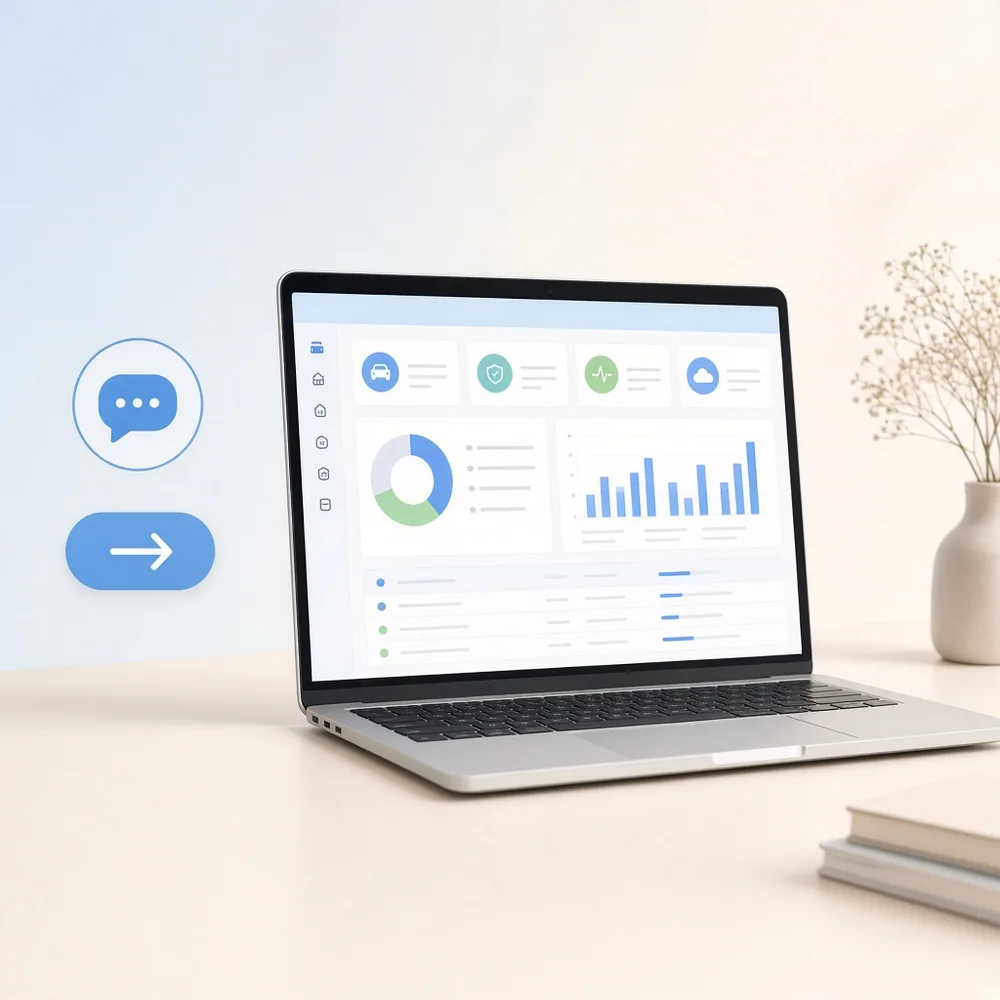
DriveSync is a fleet management platform that helps businesses monitor vehicles, coordinate drivers, manage maintenance, and oversee fleet operations from one connected system.
- 5.5 MonthsDelivery Timeline
- 7 SpecialistsProject Team
- 12 IntegrationsConnected Interfaces
Project Overview
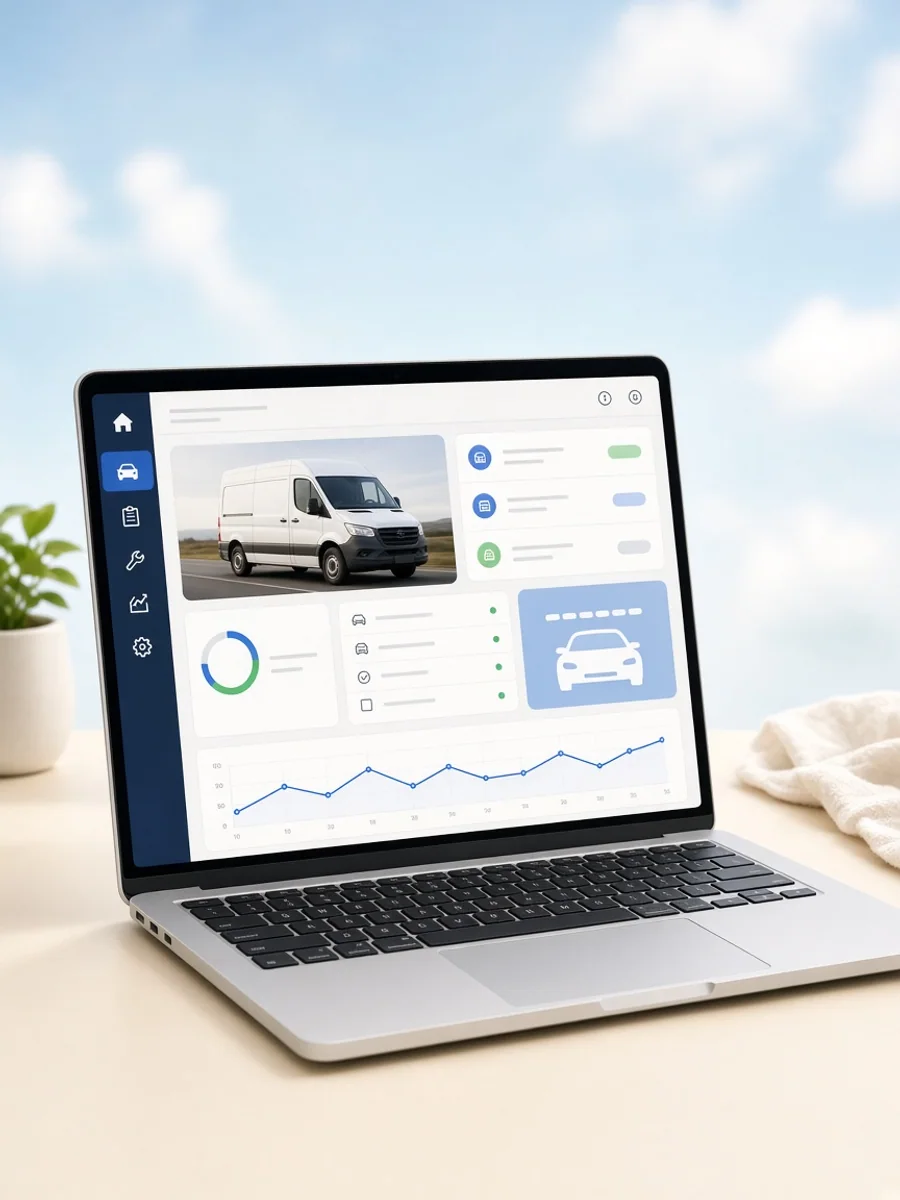
DriveSync is a fleet management platform built to help businesses manage vehicles, drivers, maintenance schedules, and operational activity through one connected system. Fleet managers can register vehicles, assign drivers, review vehicle information, monitor service schedules, and track operational records. Drivers can access assigned vehicle details, report issues, and update relevant trip or vehicle information. Administrators use dedicated tools to oversee fleet activity, maintenance records, driver information, and operational performance. The product was created to replace fragmented fleet processes with structured digital workflows. Abhineh Infotech supported product planning, UI UX design, development, integrations, testing, and deployment.
Project Idea
DriveSync was designed to bring vehicle management, driver coordination, maintenance planning, and fleet monitoring into one clear operational platform.
Fleet operations often involve vehicle records, driver assignments, service schedules, inspections, fuel information, and operational updates across separate processes. DriveSync needed to bring these activities together so fleet managers could access important information without relying on disconnected records or manual coordination.
Abhineh Infotech connected vehicle profiles, driver management, maintenance workflows, inspections, operational records, notifications, and administrative controls through a shared platform architecture. This created consistent data movement across fleet interfaces while giving managers, drivers, and administrators access to information relevant to their specific responsibilities.
The product principle focused on clarity, speed, and confidence. Fleet managers needed an immediate view of vehicle status and upcoming tasks, while drivers needed simple tools for reporting and assigned responsibilities. Structured dashboards and focused workflows made routine fleet activity easier to understand and manage.
Challenges
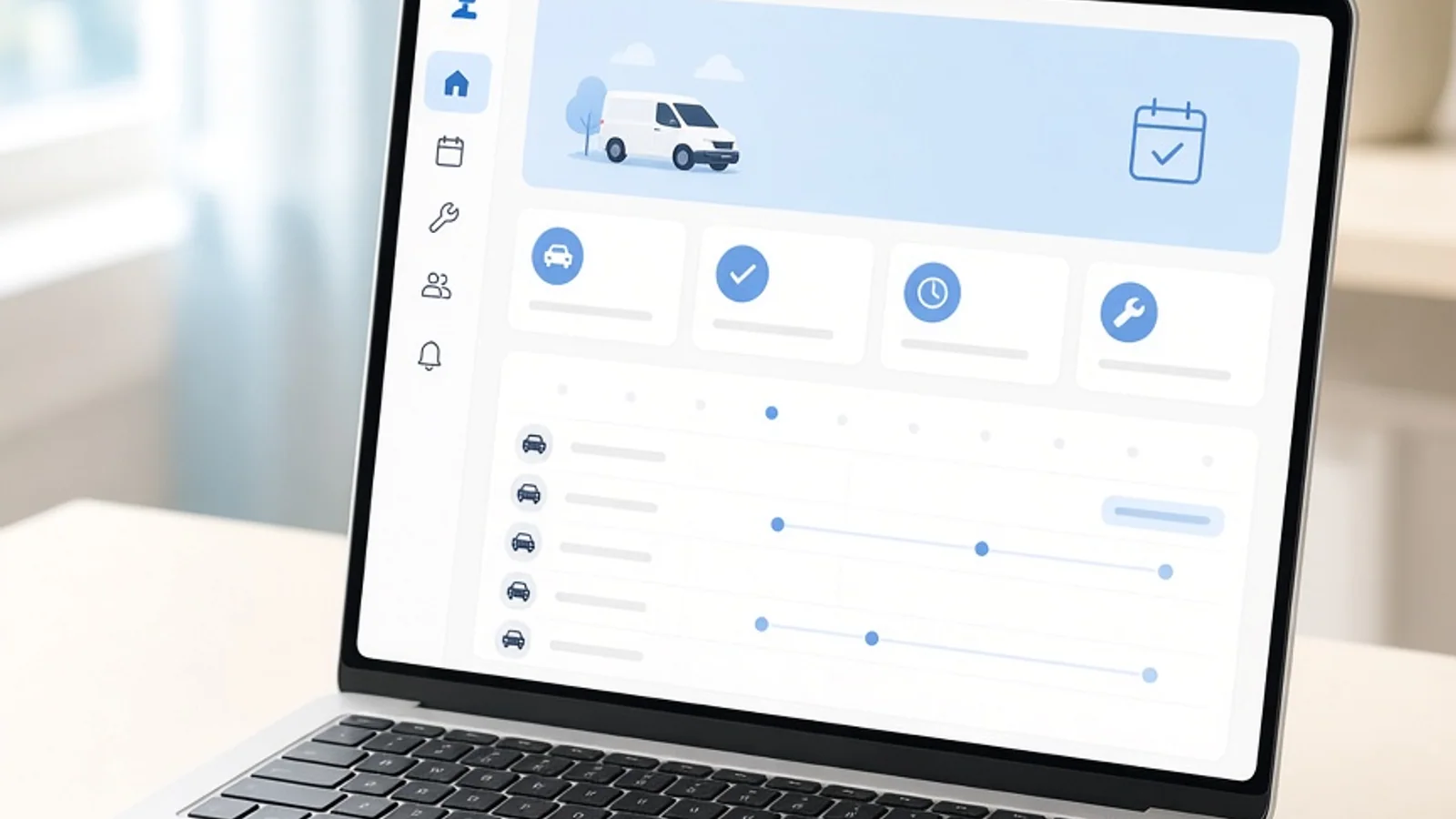
DriveSync supported fleet managers, drivers, maintenance teams, and administrators with different responsibilities and access requirements. Managers needed broad operational visibility, drivers needed focused vehicle tools, and maintenance teams required service information without exposing unnecessary administrative functions.
Fleet data can change across vehicle records, driver assignments, inspections, maintenance schedules, service history, fuel activity, and operational events. The platform needed structured data handling to keep information consistent across multiple interfaces while supporting frequent updates from different users.
Large fleets can generate substantial operational activity across vehicles, drivers, maintenance events, inspections, and status updates. DriveSync required efficient APIs, optimised database queries, caching, and scalable cloud infrastructure to keep dashboards and fleet records responsive as the number of managed vehicles increased.
Project Milestones We Achieved
| Milestone | Tasks | Timeline | Responsible |
|---|---|---|---|
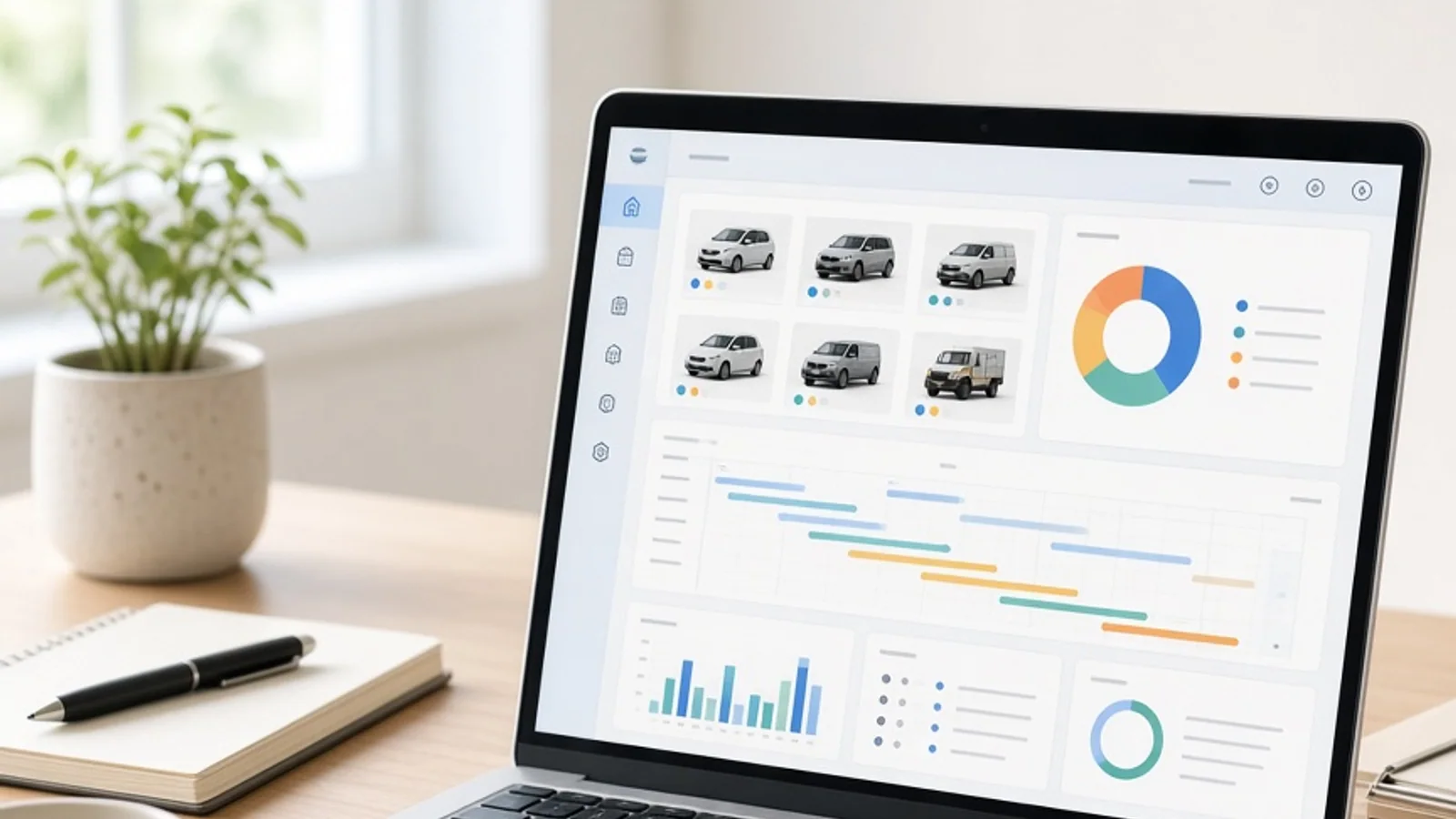
| Discovery and Planning | Mapped fleet manager, driver, maintenance, and administrator journeys, vehicle requirements, operational workflows, reporting needs, integrations, and architecture. | Month 1 | Product and Engineering Team |
| UI/UX Design | Designed vehicle records, driver tools, maintenance views, inspection screens, dashboards, alerts, and administrative interfaces. | Month 2 | UI UX Design Team |
| Core Development | Built authentication, vehicle management, driver profiles, maintenance services, inspections, notifications, APIs, and fleet dashboard foundations. | Month 3 to 4 | Application Development Team |
| Integrations and Testing | Connected telematics, mapping, notification, and fleet services while validating records, alerts, workflows, and application performance. | Month 5 | Integration and QA Team |
| Launch and Optimization | Prepared production infrastructure, completed final validation, monitored fleet activity, resolved issues, and refined operational workflows. | Month 5.5 | Engineering and Delivery Team |
Project Features
DriveSync combines vehicle management, driver coordination, maintenance planning, inspections, operational records, and fleet monitoring in one structured platform.
Vehicle Management
Fleet teams can register vehicles, manage specifications, review status, and maintain important vehicle information from one interface.
Driver Management
Managers can maintain driver profiles, assignments, compliance information, and relevant operational records through dedicated controls.
Maintenance Scheduling
Teams can schedule upcoming maintenance, review service history, and track vehicle related maintenance activities.
Inspection Management
Drivers and fleet teams can record inspections, identify vehicle issues, and maintain inspection information for operational review.
Fleet Monitoring
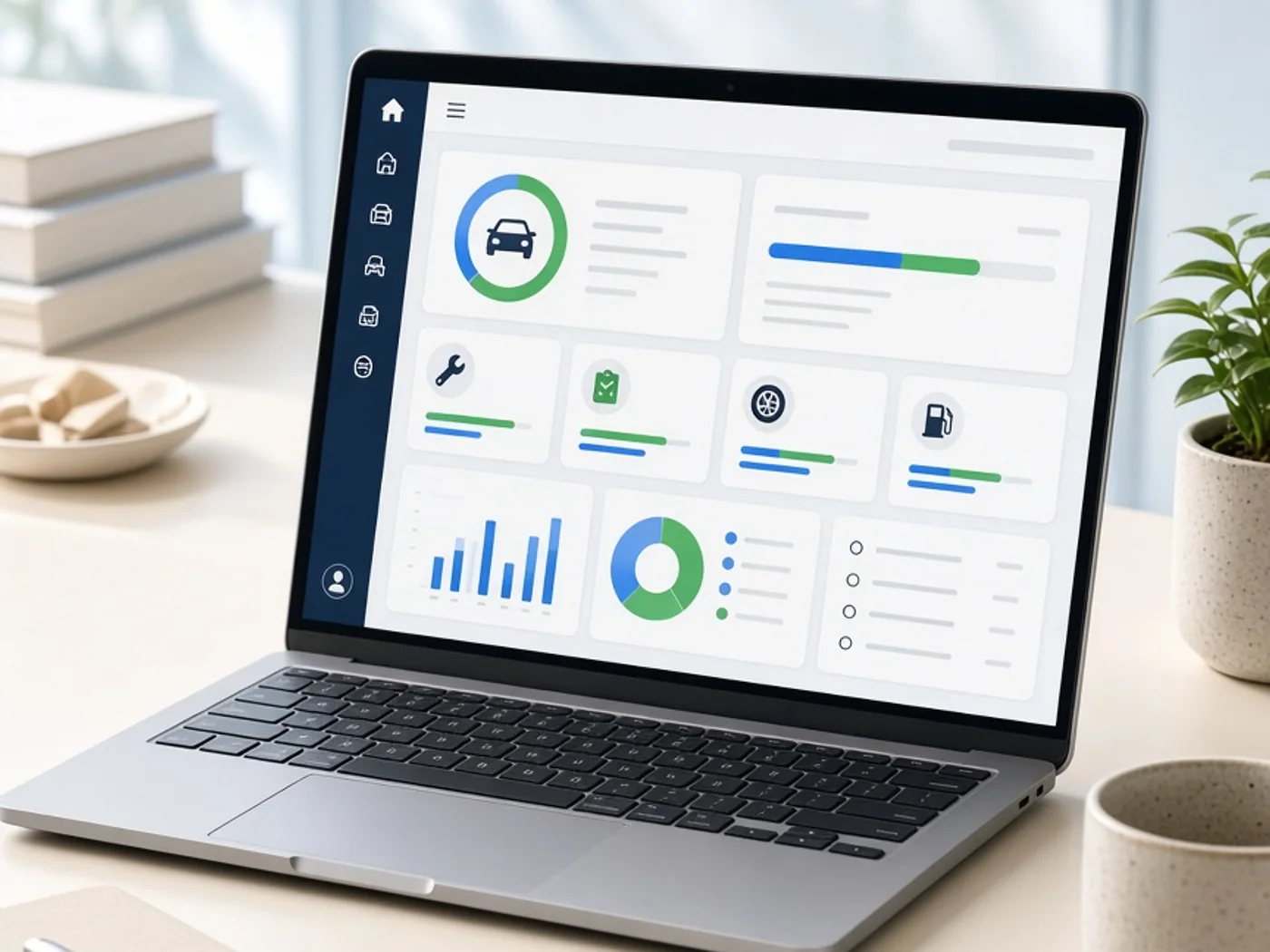
Managers can review vehicle activity, operational status, alerts, and important fleet information through central monitoring tools.
Operations Dashboard
Administrators gain consolidated visibility into vehicles, drivers, maintenance, inspections, alerts, and overall fleet activity.
Results
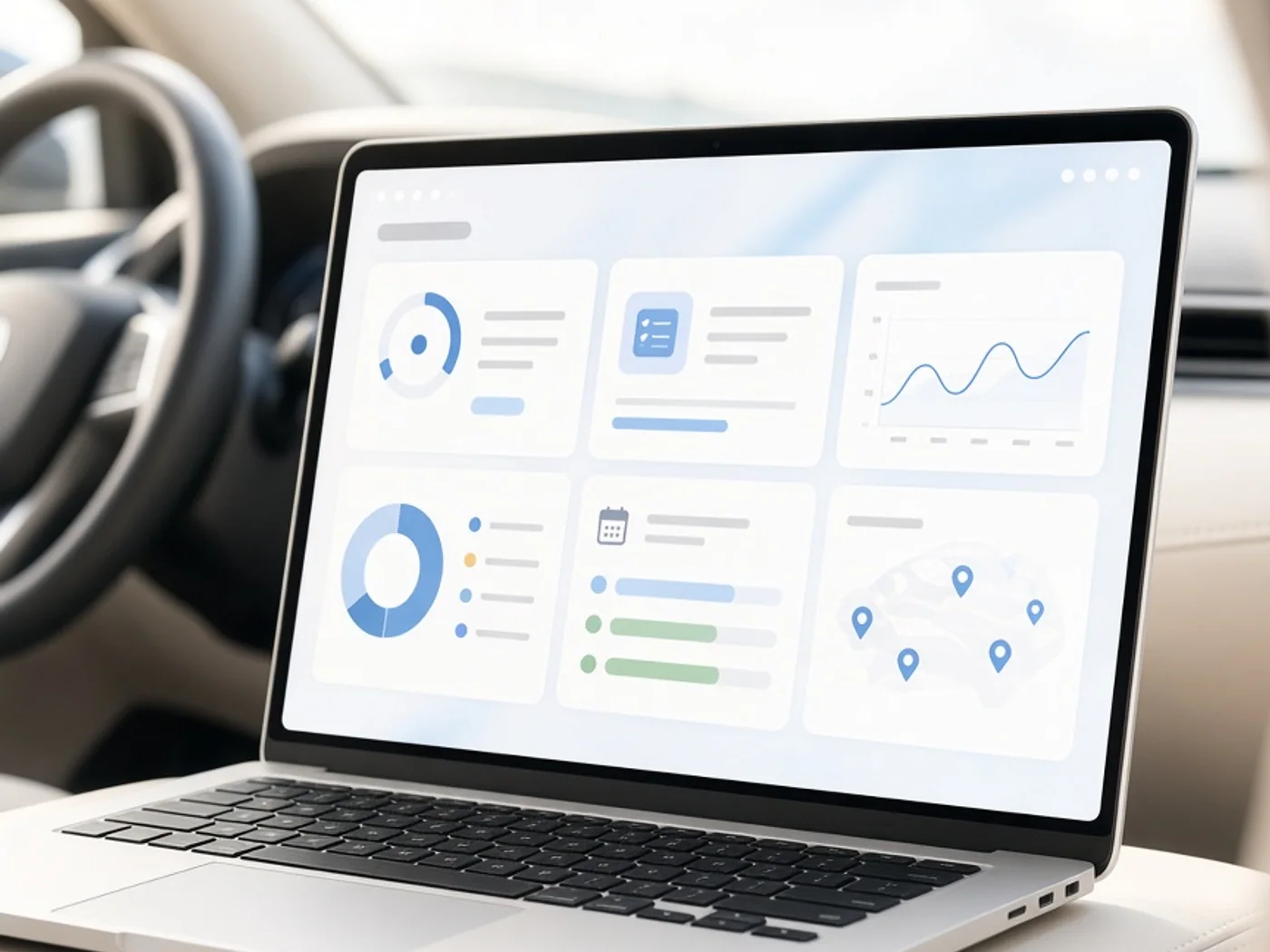
DriveSync launched as a connected fleet management platform covering vehicle records, driver management, maintenance, inspections, monitoring, alerts, and administration. The delivered system brought important fleet workflows into one structured operational environment.
Centralised fleet information gave managers clearer visibility into vehicles, drivers, maintenance schedules, inspections, and operational events. This helped reduce fragmented record keeping and created more consistent processes for reviewing vehicle information and coordinating routine fleet activity.
Drivers gained focused tools for accessing assigned vehicle information, completing inspections, and reporting issues. Fleet managers could review these updates through structured dashboards, helping connect driver activity with maintenance and operational workflows more effectively.
The platform created a foundation for continued fleet technology development. Its architecture can support additional telematics integrations, predictive maintenance capabilities, reporting tools, vehicle utilisation insights, fuel management, and advanced fleet monitoring as DriveSync evolves.
Development Process
Explore
- Fleet Mapping
- Operations Research
- Requirement Analysis
- Interface Planning
- UI UX Design
- Flow Validation
Implement
- Mobile Development
- Backend Development
- API Development
- Telematics Services
- Mapping Services
- Alert Services
Execute
- Functional Testing
- Load Testing
- Security Review
- Infrastructure Setup
- Fleet Monitoring
- Workflow Optimization
Typography & colors
Plus Jakarta Sans
ABCDEFGHIJKLMNOPQRSTUVWXYZ
abcdefghijklmnopqrstuvwxyz
1234567890
Primary
#0284C7
Secondary
#7DD3FC
Tertiary Color
#E0F2FE
Icons Color
#64748B
Text Color
#0F172A
Background Color
#FFFFFF
App Visuals
DriveSync
9 due
Service
This week
Inspect
Checklist
Issue
Brake warning
Van 5 report
OpenAlerts
Fleet notices
Almost there
Create profile
Tech Stack
Angular powered the fleet administration interface with structured dashboard components. Laravel handled backend services and APIs for vehicles, drivers, maintenance, inspections, and operations. MySQL stored structured fleet records, while Elasticsearch supported faster search across vehicle and operational data. Microsoft Azure provided cloud hosting, monitoring, storage, and scalable infrastructure.
- Angular
- Laravel
- MySQL
- Elasticsearch
- Microsoft Azure
Build A Smarter Fleet Management Platform
Talk with Abhineh Infotech about connecting vehicles, drivers, maintenance, inspections, monitoring, and fleet operations in one platform.
Talk to Our Experts