

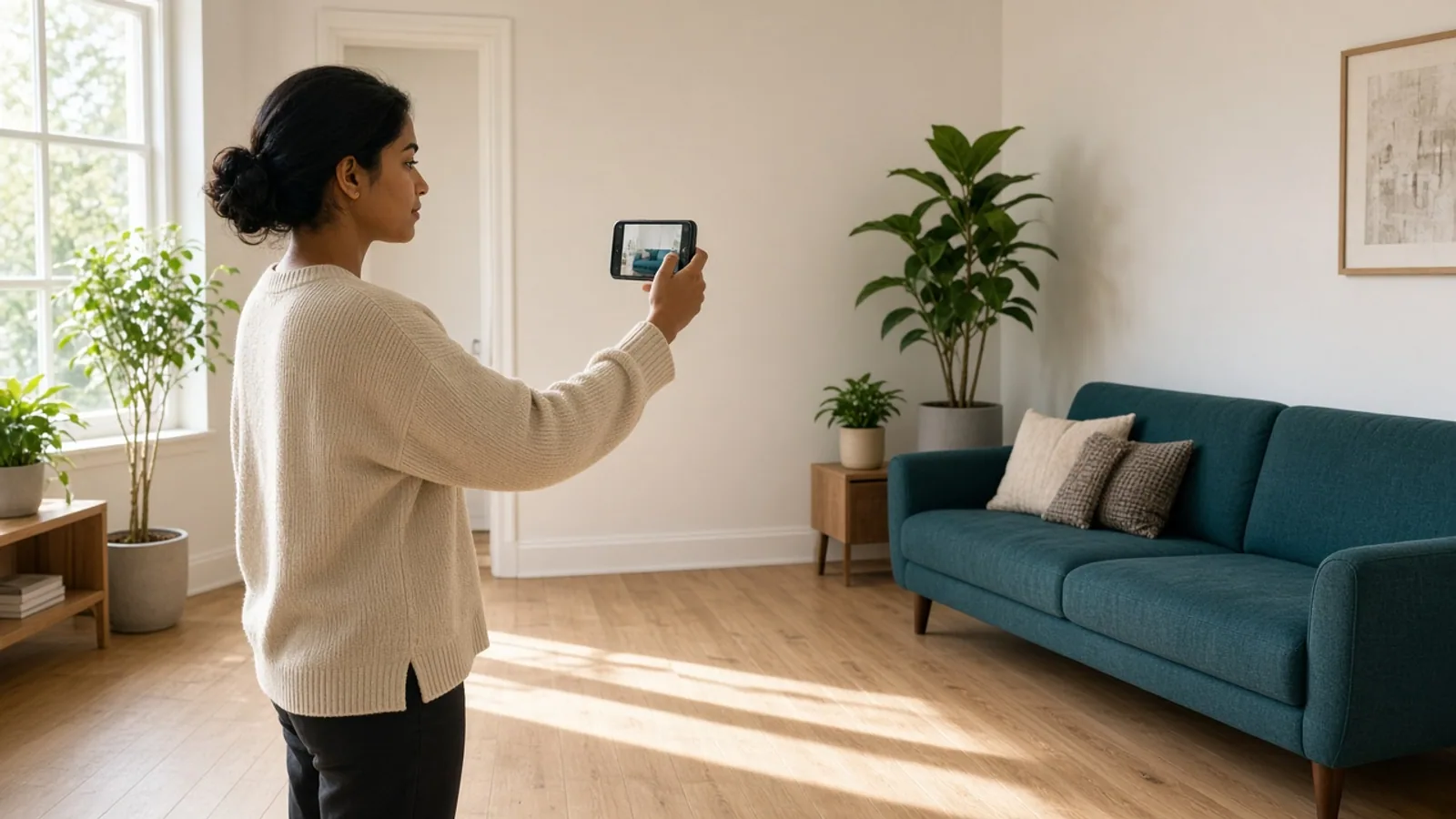
How Try-Before-You-Buy Changes Online Shopping
Online shoppers can't touch a sofa, try on glasses, or hold a lipstick shade up to their face. So they guess, order two sizes, and send one back. For stores, that guesswork means abandoned carts, costly returns, and thin margins.
WebAR changes the equation. Augmented reality that runs right in the mobile browser lets shoppers see products in their own space or on their own face, with no app download. A quick tap replaces hours of doubt.
This guide explains how WebAR works, why try-before-you-buy experiences lift conversions, and where they fit best.
You will also see the features that matter, the tech stack, the development process, and what it costs, so you can plan your own rollout with confidence.
What Is WebAR and How Does It Work in Online Shopping?
WebAR is augmented reality that runs in a mobile web browser, with no download. Shoppers tap a link and see products on their face, body, or in their room. Here is how it works behind the scenes, step by step.
1. How Shoppers Launch It Without an App
Shoppers tap a "View in AR" button or scan a QR code, and the experience starts in their mobile browser. Clutch found 30% of consumers use AR for online shopping and try-ons, and 61% of them use a mobile device.
2. How the Camera Understands the Space or the Face
The browser asks permission to use the camera. Computer vision then finds flat surfaces like floors and walls, or tracks facial and body landmarks, while motion sensors keep the product locked in place as the shopper moves the phone around.
3. How 3D Product Models Load and Look Real
Each product is a lightweight 3D model, often in GLB or USDZ format, built to true size with realistic materials and lighting.
Smart compression keeps files small, so the model loads quickly over mobile data and renders in the browser.
4. How Interaction Turns Into a Purchase
Shoppers rotate, resize, change colors, and snap photos, then add to cart without leaving the page.
Shopify reports products with 3D or AR content convert up to 94% higher than products with static images alone, helping shoppers feel more confident.
Why Try-Before-You-Buy Experiences Are Boosting eCommerce Conversions?
Shoppers hesitate when they cannot see how a product will look, fit, or feel. Try-before-you-buy tools remove that doubt.
An experienced AR/VR development company can build these experiences, and here is why they lift sales and help reduce costly returns.
1. Confidence Replaces Guesswork
Online shoppers often cannot judge size, color, or fit from flat photos. Seeing the product on themselves or in their room answers those questions instantly, so they feel sure about the purchase and are less likely to leave the page.
2. Fewer Returns, Healthier Margins
Many returns happen because the item looked different in real life. Try-on and room-preview tools set accurate expectations before checkout, which can reduce returns for sizing, color, and fit issues, and protect margins that return shipping would otherwise quietly erode.
3. Interactive Engagement Keeps Shoppers on the Page
Playing with a product is more engaging than scrolling photos. Shoppers rotate models, test colors, and compare options, which increases time on page and product understanding.
More engagement gives them more reasons to add to cart, fewer reasons to bounce.
4. No App Download Means Less Friction
Every extra step costs conversions. WebAR opens from a product page, QR code, or ad link in the mobile browser, so shoppers skip app stores, installs, and sign-ups.
That low-friction path means many more people actually try the experience firsthand.
5. Sharing Turns Shoppers Into Promoters
Trying products feels playful, and shoppers share results. A selfie in new sunglasses or a photo of a sofa in the living room can reach friends and family, bringing free word of mouth and a stronger link to your brand.
6. Try-On Data Guides Smarter Merchandising
Every try-on is a signal. You can see which products get tried, which colors win, and where shoppers drop off after trying.
These insights guide merchandising, inventory, and ad spend, so you promote what customers actually want most right now.
Top WebAR Use Cases: Fashion, Beauty, Furniture, Eyewear, and More
WebAR fits any product that shoppers want to see in real life before they buy. A website development company can add it to existing product pages in many categories. Here are the categories where it works best for retailers today.
1. Fashion and Footwear
Virtual try-on lets shoppers see sneakers on their feet, or jackets and accessories on a body model, using the phone camera.
They judge style and color, share looks with friends, and combine WebAR with size guides to decide with confidence.
2. Beauty and Cosmetics
Face tracking lets shoppers test lipstick, eyeshadow, blush, and hair color in real time.
Switching shades takes one tap, so they find the right match without swatches or store visits, and costly wrong-shade returns become far less likely for brands.
3. Furniture and Home Decor
Surface detection lets shoppers place a true-to-scale sofa, table, or lamp in their own room.
They check fit, color, and style against real walls and floors, which builds confidence on big-ticket purchases that are very expensive and awkward to return.
4. Eyewear, Jewelry, and Watches
Face and wrist tracking lets shoppers try glasses, earrings, necklaces, and watches from home.
They compare several styles and judge how each suits their face or wrist, which makes browsing feel personal and helps gift buyers choose with less worry.
5. Automotive and Large Products
Show a car in the driveway, a fridge in the kitchen, or equipment on a job site at full scale.
Shoppers walk around the product, check dimensions, and switch trims or colors, which shortens research time for complex, high-value purchases.
6. Art, Electronics, Toys, and Packaged Goods
Wall art, electronics, toys, and packaged goods all benefit. Shoppers preview a canvas on their wall, check a speaker's size on their desk, or scan packaging to see demos, which turns a simple product page into something people will remember.
Key Features of a High-Converting WebAR Shopping Experience
A flashy demo isn't enough. High-converting WebAR feels fast, accurate, and effortless, and it leads straight to checkout.
Here are the key features that separate experiences shoppers happily finish and buy from experiences they abandon after one slow, confusing tap.
1. Fast Loading and One-Tap Launch
Speed decides everything. Compress 3D models, load them progressively, and start the experience in one tap from the product page.
If it takes more than a few seconds to appear, many shoppers will leave before seeing anything useful at all.
2. Accurate, True-to-Scale 3D Models
Realism builds trust. Models should match real dimensions, colors, textures, and materials, with natural lighting and shadows. A sofa that looks too small or a lipstick shade that looks off creates doubt, and doubt leads to abandoned carts and returns.
3. Smooth Launch Across Devices
Make starting easy on every device. Offer a clear button on mobile and a QR code on desktop, explain camera permission simply, and provide a 3D viewer fallback for phones that cannot run AR, so no shopper is left out.
4. Cart and Catalog Integration
Strong eCommerce app development services connect AR to your catalog, live inventory, and checkout.
Shoppers should add the item to cart straight from the AR view, with the right size, color, and price, without reloading pages or losing their place.
5. Instant Variant Switching
Let shoppers change colors, sizes, finishes, and styles inside the experience, with the model updating instantly.
Comparing options without leaving AR keeps them engaged longer, helps them find the right version, and reduces the back-and-forth that ends in abandoned visits.
6. Intuitive Gestures and On-Screen Guidance
Guide first-time users gently. Show short prompts like "move your phone slowly" or "point at the floor," and use familiar gestures to rotate, pinch, and drag.
Clear on-screen hints prevent confusion and help shoppers succeed within just seconds of starting.
7. Photo Capture, Sharing, and Wishlists
Let shoppers capture photos or short videos, share them with friends, and save favorites to a wishlist.
Social proof from a trusted friend's opinion can nudge hesitant buyers, and shared images bring new visitors straight back to your product pages.
8. Analytics and Privacy Controls
Measure what matters: AR launches, time spent, variants tried, add-to-cart, and purchases. Respect privacy too.
Process camera feeds on the device where possible, tell shoppers what you collect, and avoid saving images without clear permission, so shopper trust stays high.
WebAR Tech Stack: Frameworks, 3D Tools, and Platforms to Choose From
The right tools can save months of rework. WebAR stacks combine 3D engines, tracking SDKs, asset pipelines, and store integrations, and the market keeps shifting.
Here's how to choose each layer for speed, device reach, cost, and long-term vendor support.
1. Choose Your Delivery Route First
Pick your delivery route first. Apple's AR Quick Look and Google's Scene Viewer open 3D models in the phone's built-in AR viewer with little setup. Custom WebAR runs inside your page, giving more control over branding, try-on effects, and tracking.
2. Pick a 3D Rendering Framework
For custom experiences, a 3D framework draws the model in the browser. Three.js is among the most popular, while Babylon.js and PlayCanvas add richer tools, and A-Frame simplifies prototyping. Google's model-viewer is a quick option for simple 3D product previews.
3. Select a WebAR Engine or SDK
Tracking engines handle surfaces, faces, and images.
The 8th Wall hosted platform closed in February 2026, and its engine is now open source under an MIT license for self-hosting. Zappar, MindAR, and AR.js are alternatives. Check long-term support before committing.
4. Build a Solid 3D Asset Pipeline
Great AR starts with great models. Artists build or convert products in Blender, Maya, or CAD tools, then export to GLB for Android and the web and USDZ for iPhone. Compression with Draco or Meshopt keeps files small and fast.
5. Design the Shopper-Facing Screens
Strong mobile app design services shape how shoppers first meet AR.
Designers craft the launch button, permission prompts, on-screen hints, and variant pickers, then test them with real users. Simple, clear screens help first-time users succeed quickly, within seconds of starting.
6. Connect to Your Commerce Platform
Connect AR to your store through APIs. Shopify, BigCommerce, Adobe Commerce, and headless setups can pass product, price, and inventory data into the experience, and send add-to-cart events back, so shoppers move from trying to buying without friction or delay.
7. Set Up Secure Hosting and Performance Tools
Camera access requires HTTPS, so secure hosting is a must. Serve models from a CDN, lazy-load heavy assets, and keep pages light.
Test with Lighthouse and Core Web Vitals, because a slow AR button or heavy page can cost sales.
8. Add Analytics and Real-Device Testing
Track launches, time in AR, variants tried, add-to-cart, and purchases with GA4 or your analytics tool.
Test on real iPhones and Android phones, across browsers and OS versions, since WebAR support varies by device and updates can often change behavior.
WebAR Development Process: From 3D Asset Creation to Launch
WebAR projects follow a path similar to the mobile app development process, with one big addition: 3D content.
Every stage, from choosing products to measuring results, shapes speed and realism. Here is how a typical build unfolds, start to finish.
Stage 1: Goals and Product Selection
Start with the business problem: high returns, low conversion, or weak engagement.
Choose the products where AR helps most, like furniture and eyewear, and set targets for conversion, returns, and engagement, so every later decision has a clear business purpose.
Stage 2: Experience Planning and UX Design
Decide what shoppers can do: try on, place in a room, or compare variants. Map the journey from product page to cart, sketch screens, and add clear prompts.
Test prototypes with real shoppers before any 3D work or coding begins.
Stage 3: Technology and Platform Choices
Pick the delivery route and tools: built-in AR viewers, a custom WebAR engine, or a hybrid.
Weigh device reach, tracking quality, cost, and vendor stability, because some WebAR platforms have shut down or changed models, and switching later is expensive.
Stage 4: 3D Asset Creation and Capture
Build accurate 3D models from CAD files, product photos, or 3D scans.
Match real dimensions, colors, and materials, and create variants for each color or size. Quality assets matter most, since inaccurate models quickly erode shopper trust and add returns.
Stage 5: Optimization and Compression
Mobile browsers need small, fast files. Reduce polygon counts, compress textures and geometry, and export to GLB and USDZ.
Test load times on average phones over normal mobile data, and aim for models that appear within just a few seconds.
Stage 6: Front-End and AR Development
Developers build the viewer or try-on experience with the chosen framework, adding surface or face tracking, lighting, gestures, and variant switching.
Build it as a reusable component, so you can add new products without redoing all the work each time.
Stage 7: Commerce and Analytics Integration
Connect the experience to your catalog, pricing, inventory, and cart so shoppers can buy from the AR view.
Add event tracking for launches, time in AR, variants tried, and purchases, so you can measure if the experience actually drives sales.
Stage 8: Cross-Device Testing and QA
Test on real iPhones and Android phones, across browsers, screen sizes, and lighting conditions.
Check tracking, load speed, camera permissions, and checkout flow, and verify fallback viewers work. Fix issues now, because AR bugs feel worse than ordinary page bugs.
Stage 9: Pilot Launch and Soft Release
Launch on a few products or a small share of traffic first. Run an A/B test against pages without AR, watch conversion, returns, and errors, and collect shopper feedback.
Early results show what to fix before expanding to the catalog.
Stage 10: Scale, Maintain, and Improve
Roll out to more products, add models as new items arrive, and update assets when designs change.
Keep SDKs and browser support current, review analytics monthly, and refine prompts and variants, so the experience stays fast, accurate, and genuinely useful.
How Much Does WebAR Development Cost for eCommerce?
Most WebAR projects for eCommerce cost between $7,000 and $60,000, depending on how many products, features, and platforms you include. As with mobile app development cost, WebAR pricing rises with complexity.
| Development Element | What It Covers | Estimated Cost |
|---|---|---|
| Discovery and Planning | Goals, product selection, device targets, and project roadmap | $500–$600 |
| Analytics and Event Tracking | AR launches, time in AR, variants tried, add-to-cart, and purchase tracking | $700–$800 |
| Testing, QA, and Launch | Real-device testing on iOS and Android, bug fixes, and pilot release | $900–$1,000 |
| UX/UI Design and Prototyping | Launch button, camera prompts, on-screen hints, and clickable prototypes | $1,200–$1,400 |
| Performance Optimization and Hosting Setup | Secure HTTPS hosting, CDN, lazy loading, and load speed tuning | $1,800–$2,000 |
| Commerce Platform and Cart Integration | Catalog, price, and inventory sync, plus add-to-cart from the AR view | $2,500–$3,000 |
| 3D Asset Optimization and Variants | Compression, GLB and USDZ export, and color and size variants | $3,500–$4,000 |
| Core WebAR Front-End Development | Surface tracking, model placement, gestures, lighting, and variant switching | $4,500–$5,000 |
| Virtual Try-On Features | Face, body, or wrist tracking for eyewear, beauty, jewelry, and fashion | $5,500–$6,000 |
| 3D Model Creation (Initial Product Batch) | Building accurate 3D models from CAD files, photos, or scans | $6,500–$7,500 |
Final Thoughts
Shoppers want to see before they spend. WebAR gives them that moment of proof, right in the mobile browser, with no app to install.
When the experience loads fast, looks accurate, and leads to the cart, it can lift confidence and cut costly returns.
Start small. Pick a few products where AR helps, such as furniture, eyewear, or beauty. Build accurate 3D models, choose a tech stack with solid long-term support, and test on real devices. Then compare results against pages without AR.
Budget for the whole journey, from 3D assets and development to hosting and upkeep. Do that, and WebAR becomes more than a novelty.
It becomes a practical tool that helps shoppers decide and helps your store grow.
Frequently Asked Questions
What is WebAR?
WebAR is augmented reality that runs in a mobile web browser, with no app download. Shoppers tap a link or scan a QR code, then use their phone camera to see products on themselves or placed in their own room.
How is WebAR different from a native AR app?
A native AR app must be downloaded and installed, which many shoppers skip. WebAR opens instantly in the browser, so it's easier to reach new visitors. Native apps can offer deeper features and smoother performance, though they often cost more.
Does WebAR increase conversions?
It can. Shopify has reported that products with 3D or AR content convert up to 94% higher, though shoppers who choose AR may already be more likely to buy. Run an A/B test on your store to see real results.
Does WebAR reduce returns?
It often helps, because shoppers see size, color, and fit before buying. Reported reductions vary widely by category and brand, so treat published numbers as examples, not promises. Track your own return rates on AR products versus similar non-AR products.
Which products work best with WebAR?
Products where fit, scale, or color is hard to judge online work best: furniture, eyewear, jewelry, beauty, footwear, and large items like appliances. Simple, low-cost items with little doubt see smaller benefits, so start where AR solves a real problem.
How much does WebAR development cost?
Most eCommerce WebAR projects cost between $7,000 and $60,000. Price depends on the number of products, 3D model quality, try-on features, platform integrations, and testing. Hosting, platform subscriptions, and ongoing updates are usually separate, so ask for a cost breakdown.
How long does it take to build a WebAR experience?
A focused pilot with a few products often takes about four to eight weeks, covering planning, 3D models, development, and testing. Larger catalogs, try-on features, and complex integrations take longer. Approval speed and product file quality also affect overall timelines.
Do shoppers need to install an app or download anything?
No. WebAR opens in the phone's browser after a tap or QR scan. Shoppers only need to allow camera access. Older or low-powered phones may run it poorly, so offer a simple 3D viewer or photo gallery as a fallback.
Which devices and browsers support WebAR?
Most modern iPhones and Android phones can run WebAR in browsers like Safari and Chrome, though features vary by device, operating system, and tool. Test on real phones before launch, because camera permissions and load speed can differ by device.
What mistakes should I avoid with WebAR?
Common mistakes include huge 3D files that load slowly, inaccurate models, hidden AR buttons, skipped device testing, and no measurement. Pick a few products, build to real dimensions, make the button obvious, and compare results against similar non-AR product pages.